Client Relationships
Client Relationships
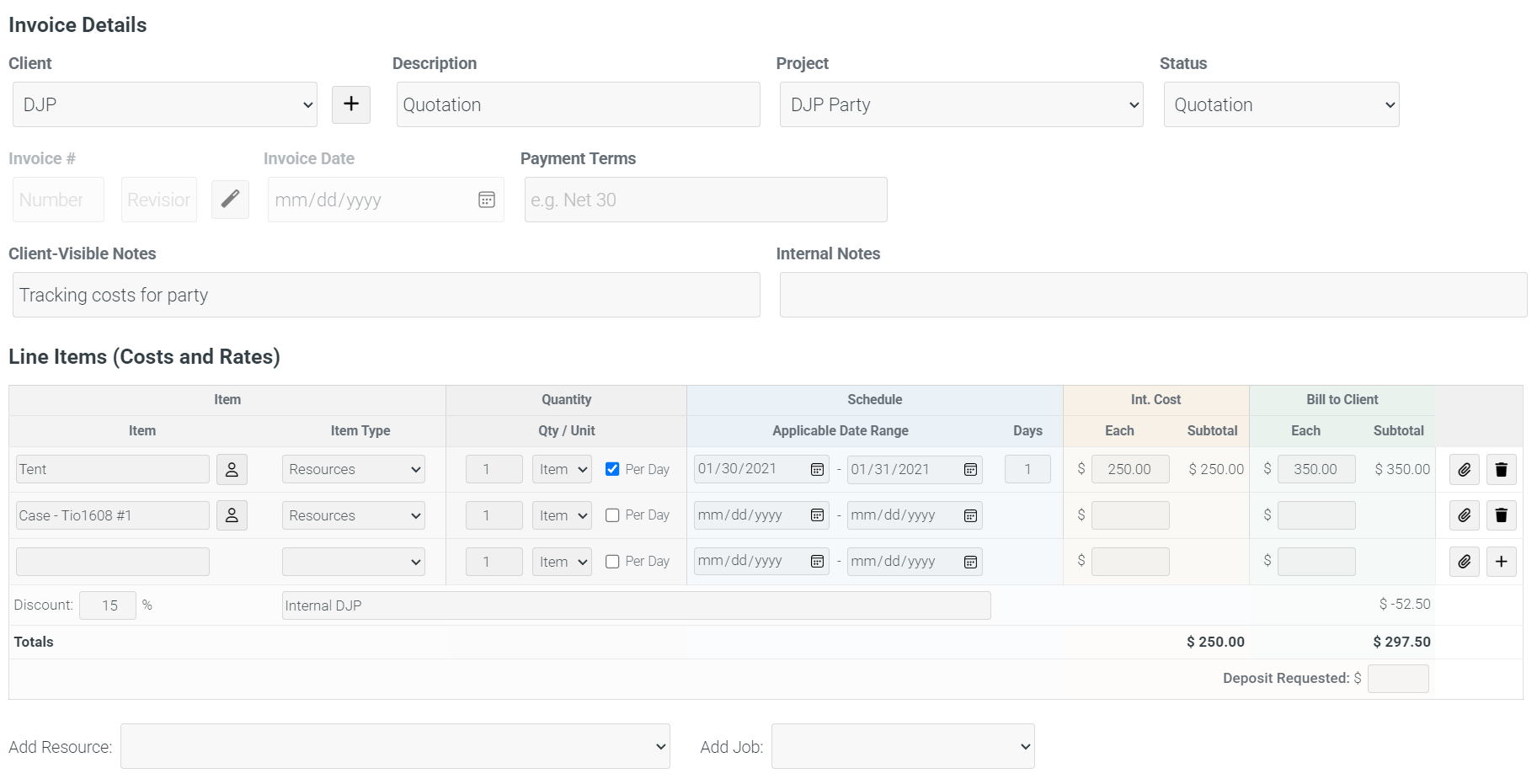
CrewAxis connects contacts, client requirements, event planning, production notes, CRM notes, project costs, travel, invoices, and follow-up so the business side of production stays tied to the job.
Client and contact records are useful because they connect to the events, projects, communication, notes, preferences, and follow-up work around them.
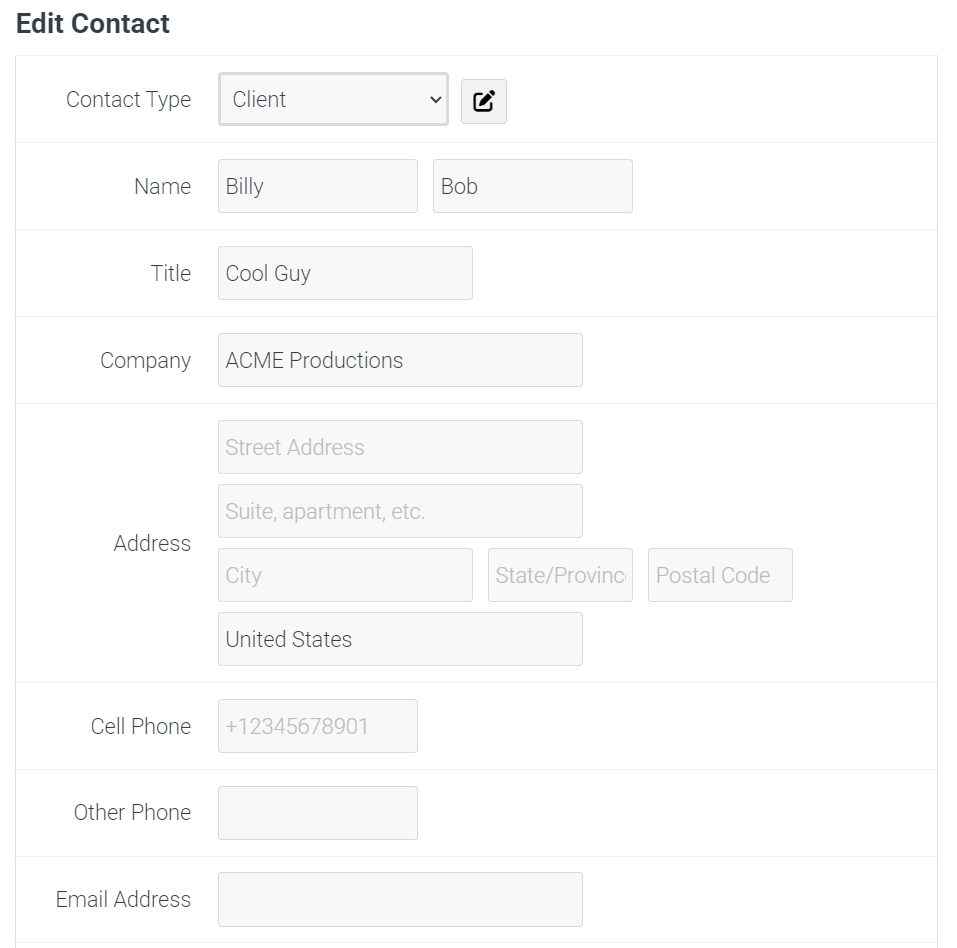
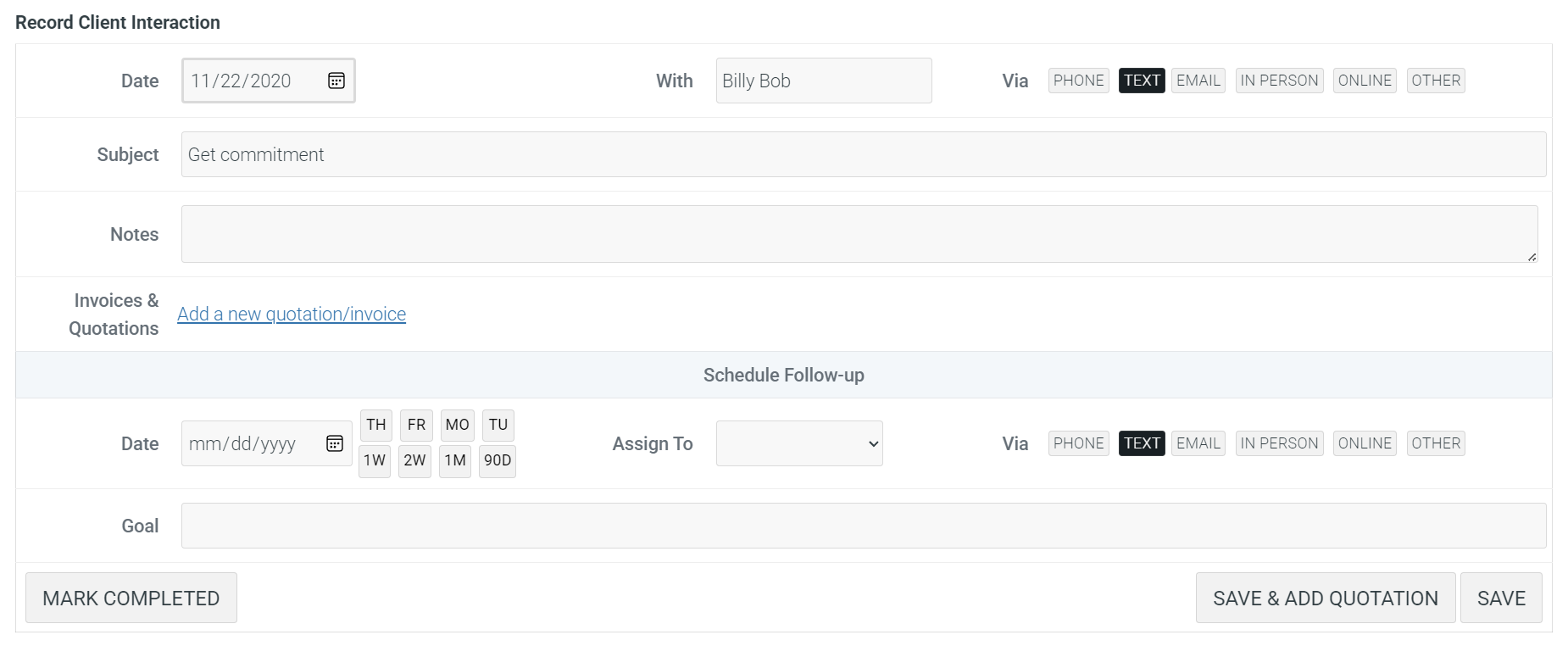
Notes can preserve client preferences, venue lessons, contact-specific details, crew observations, and reminders so future planning starts with more than a blank record.
Attach notes to events, clients, contacts, venues, crew members, or general planning context, with visibility controls for the people who should see them.
Mark important notes for reminder follow-up so client preferences, post-event issues, and repeat-work opportunities do not fade after the invoice is sent.
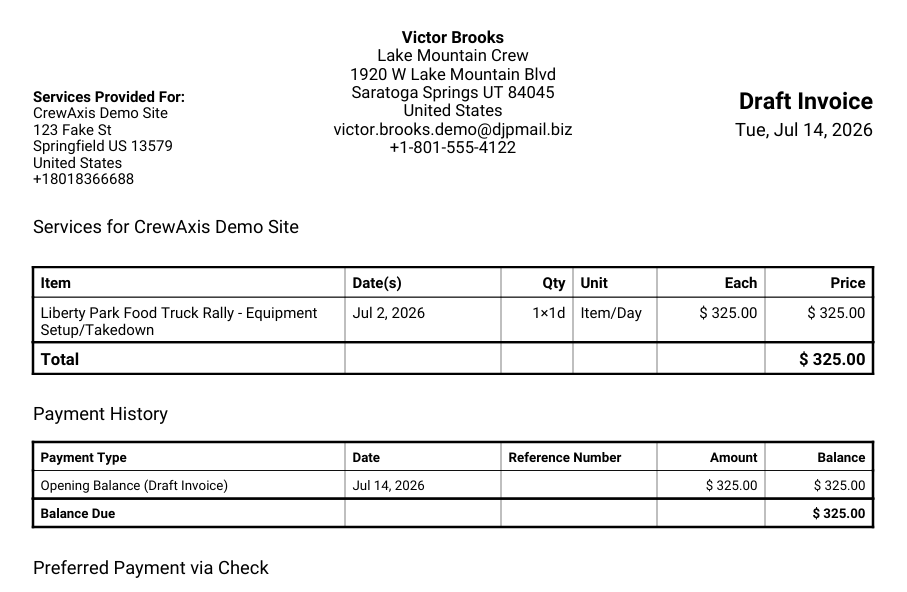
Build client-facing invoices from production details instead of starting from a blank accounting document.
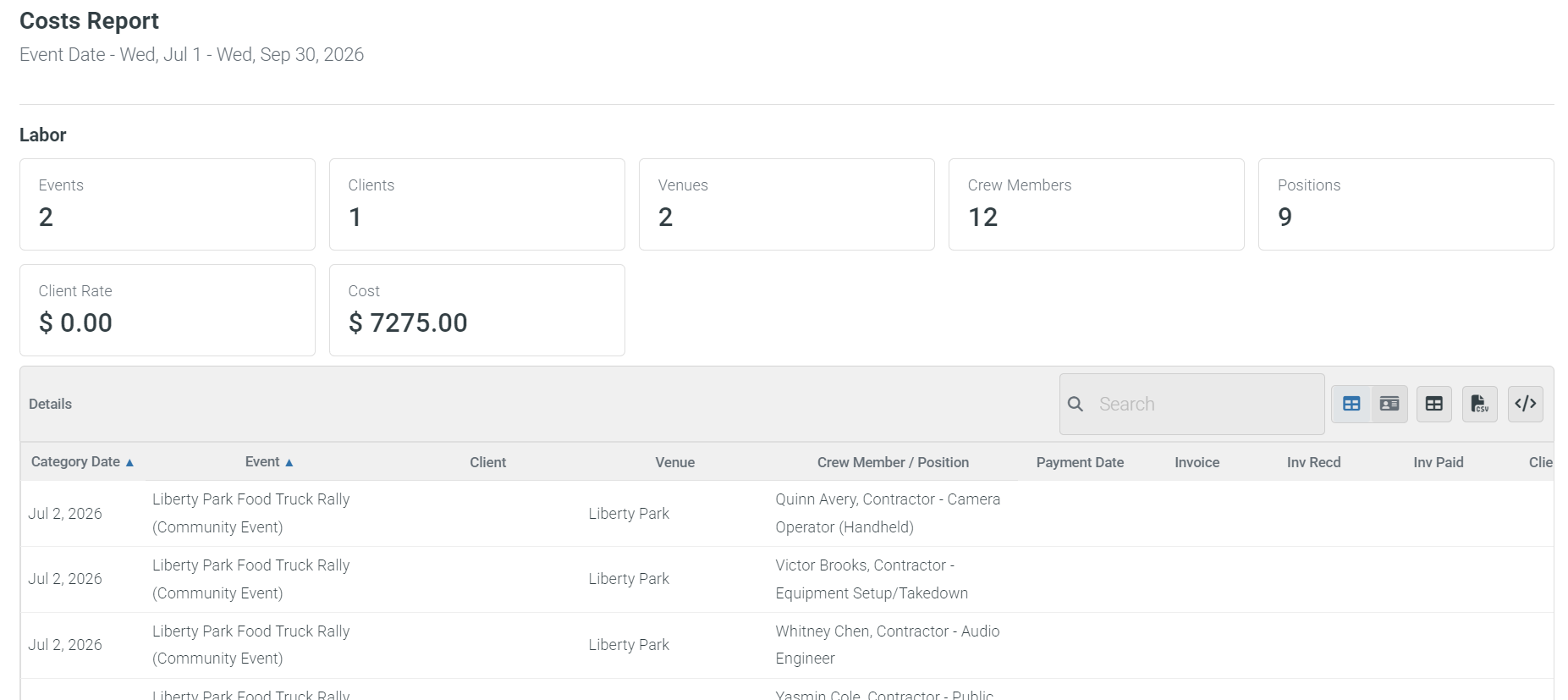
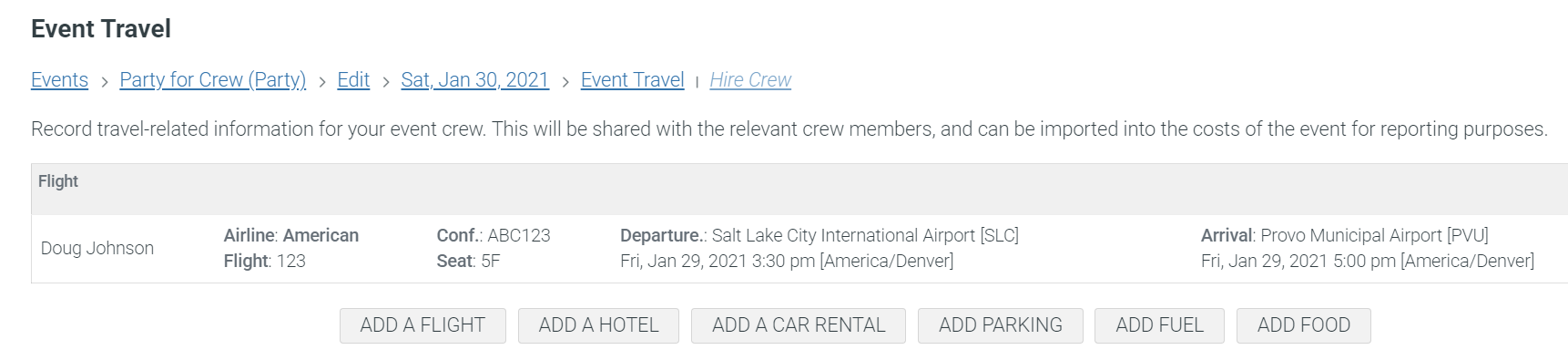
Track event costs, contractor invoices, travel items, and project-level work so production decisions have business context.