Production Communication
Keep production communication tied to the job.
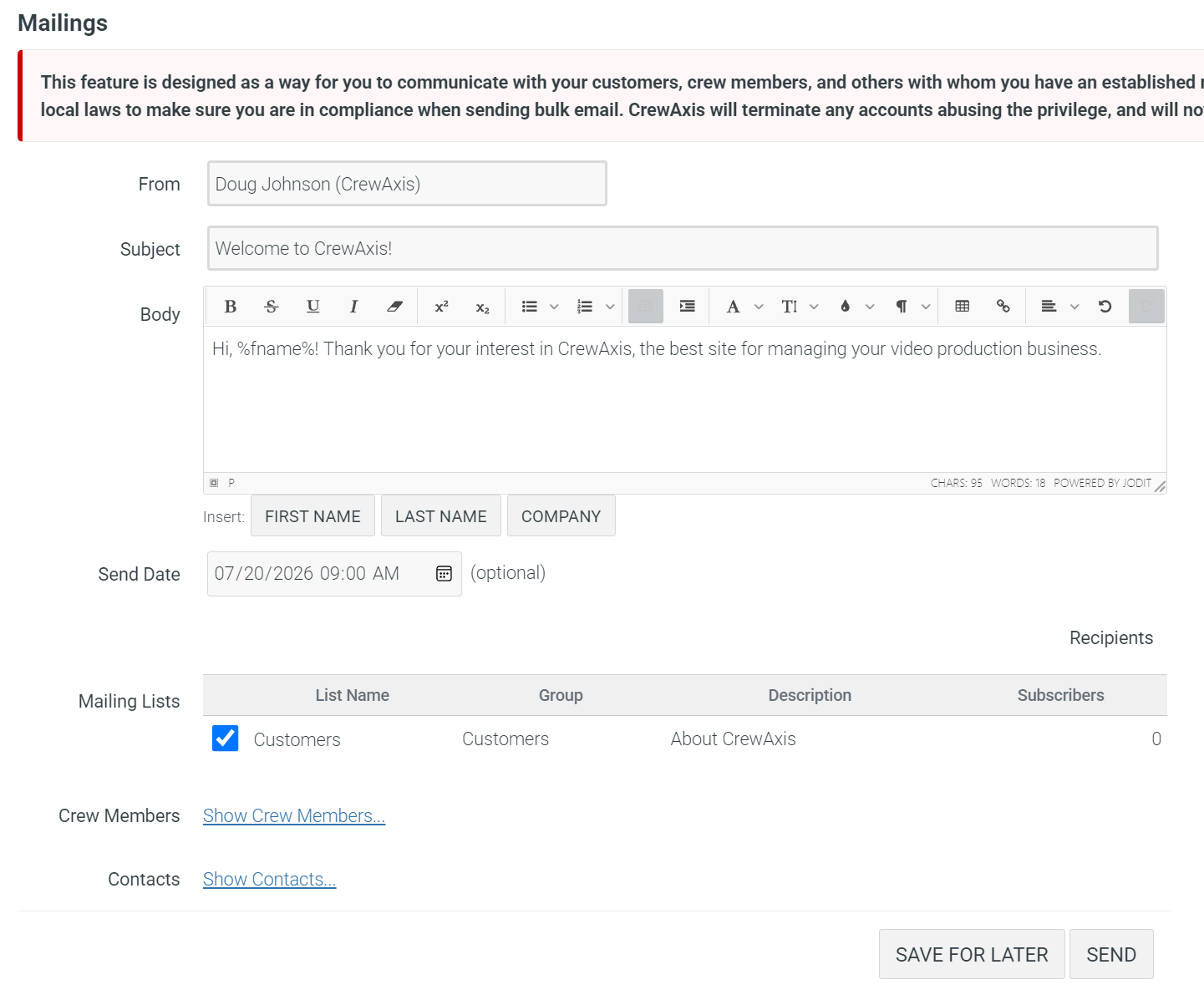
CrewAxis helps production teams send targeted job opportunities, reminders, call sheets, event updates, notes, client follow-up, and invoice nudges from the same workflow that holds the event details.
Send job opportunities
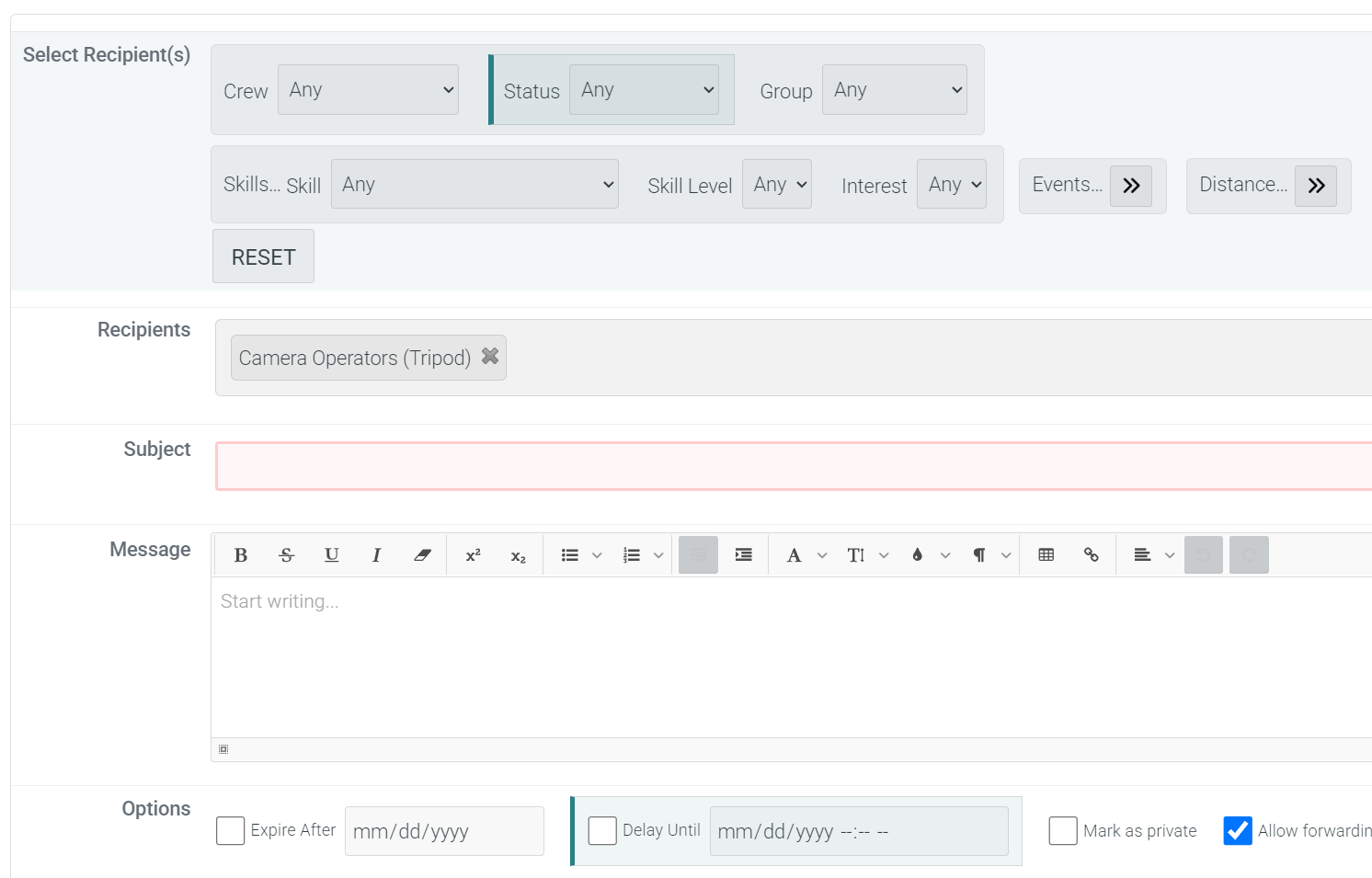
Use Auto Staff to identify strong candidates, notify eligible crew about open positions, and collect responses without rebuilding the same email or text thread for every production. *
Remind the right people
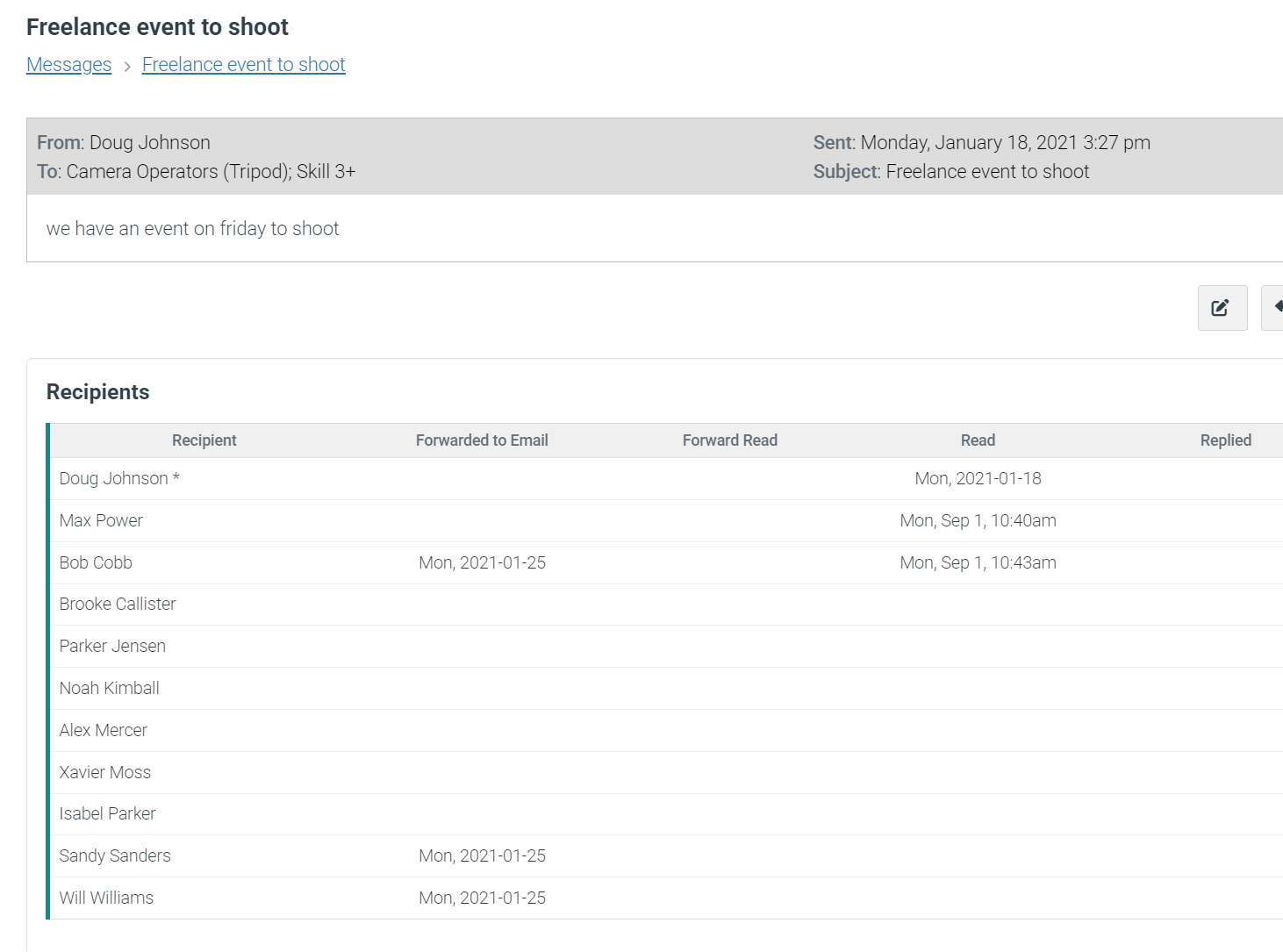
Send reminders for scheduled jobs, unread messages, note follow-up, event follow-up, equipment checklists, missing invoices, and other details that are easy to lose track of.
Deliver useful event details
Call sheets, event updates, weekly summaries, resource checklists, and production notes can reach the people who need them with the event context intact.
Support event-day coordination
Text message relay features can help crew members communicate on event days without exposing personal phone numbers to everyone involved. *
Communication follows the production
Offer the work
Start with Auto Staff recommendations, then send targeted job opportunity emails or texts based on the positions, skills, and crew lists connected to the event.
Confirm the crew
Track responses and hiring decisions where the schedule, call times, event notes, and staffing needs already live.
Send the plan
Deliver call sheets, schedules, locations, contacts, resource notes, and other show-day details from the event workflow.
Close the loop
Follow up after the event with note reminders, invoice reminders, client reminders, crew reviews, and other production wrap-up tasks.

More than messages
Crew-facing communication
- Job opportunity emails and text alerts
- Scheduled job reminders and weekly summaries
- Advanced message threads and manager blog posts
Client and business follow-up †
- Record client interactions and follow-up notes
- Assign staff members to future communication
- Use note and CRM reminders so opportunities and wrap-up tasks do not disappear