Live Event Video Production & Streaming
Live Event Video Production & Streaming
The matrix below shows how CrewAxis scales from core event scheduling and call sheets into Auto Staff recommendations, Production Tools for the show day, notes, advanced resource tracking, CRM, production finances, travel, timeclock, branding, and administrative controls.
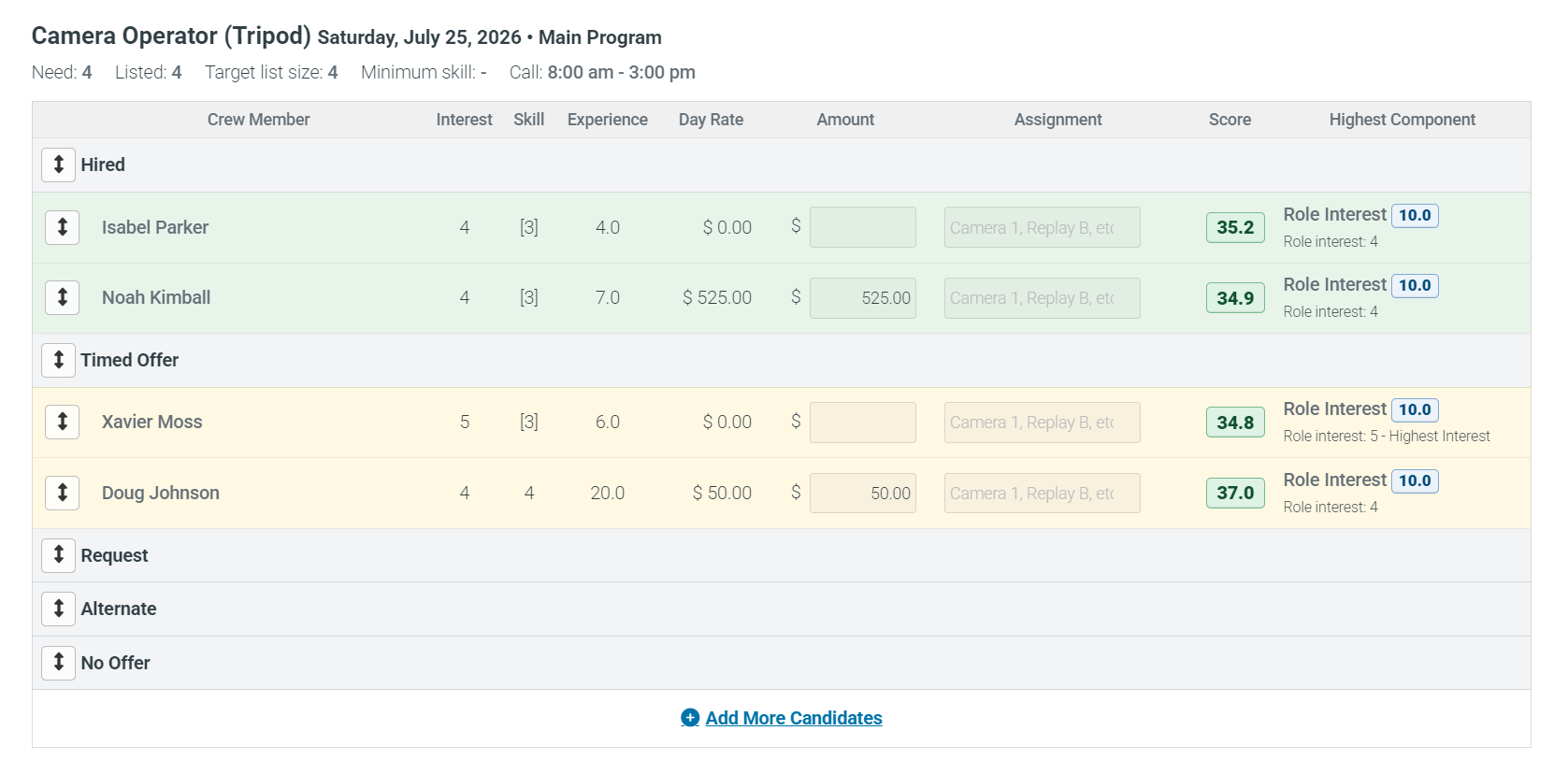
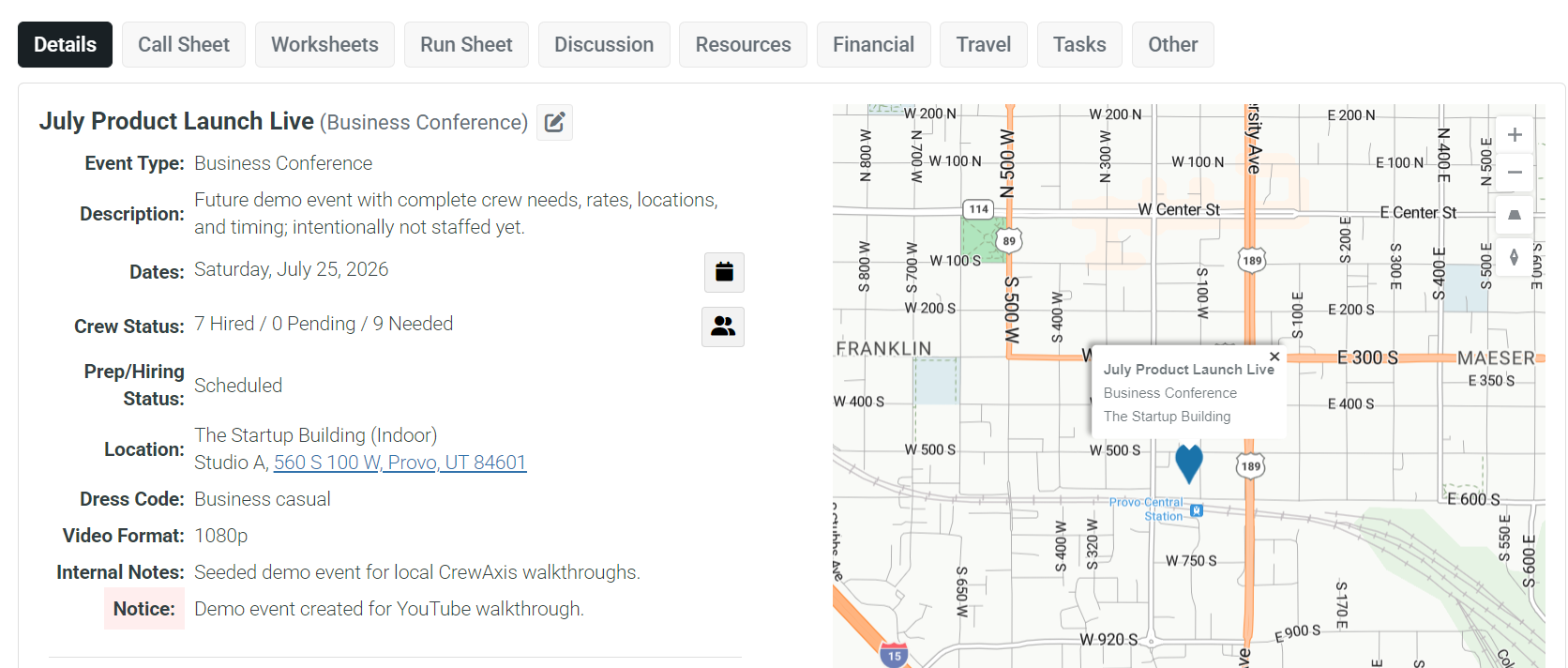
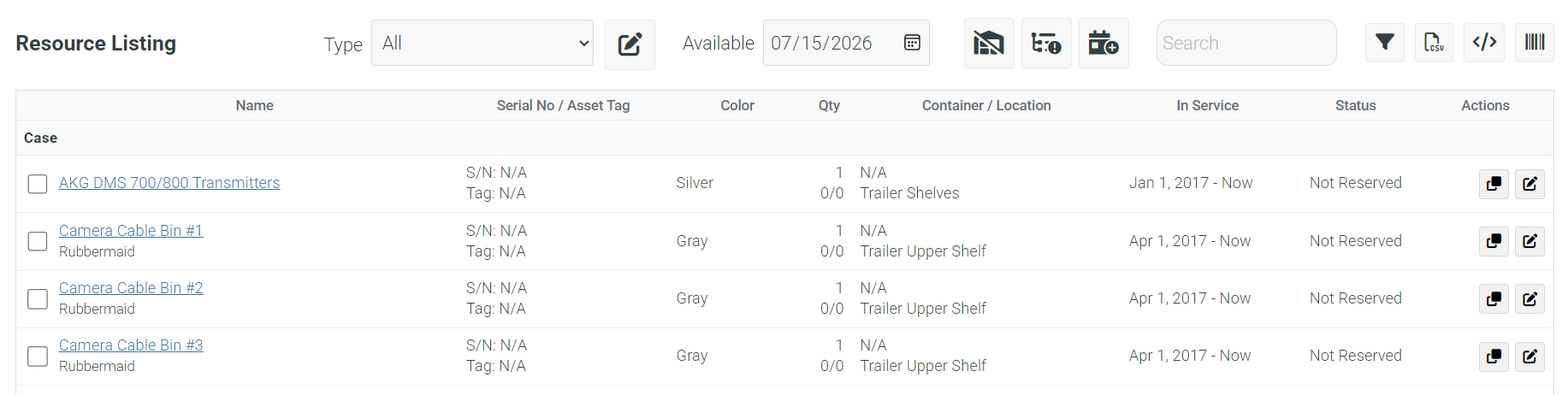
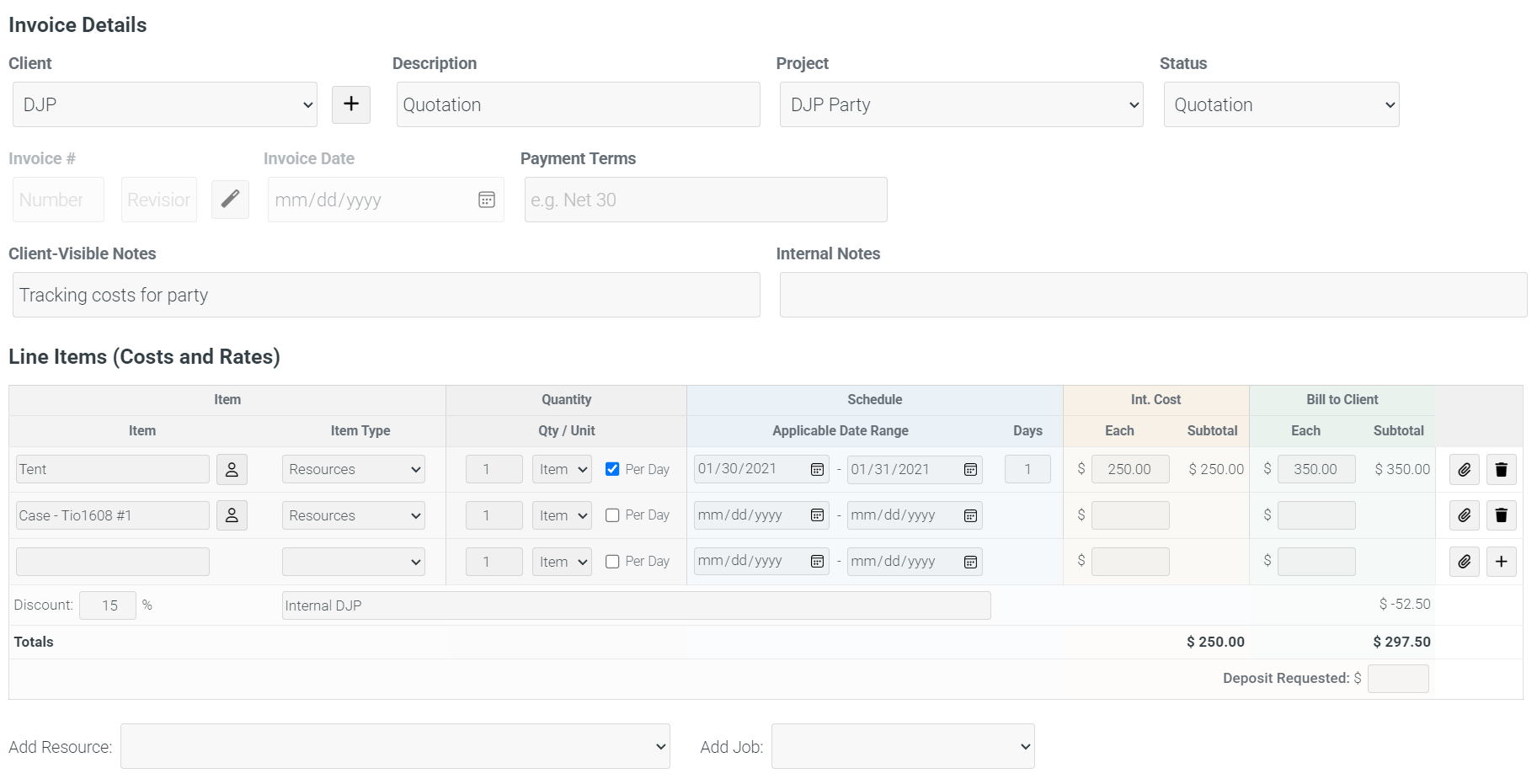
CrewAxis starts with practical scheduling and call-sheet tools, then adds planning worksheets, organizational memory, Auto Staff recommendations, Production Tools for the actual show day, projects, production finances, travel, advanced resources, and deeper administration as your company grows. Limits and plan-gated features below are pulled from active public pricing plan definitions.
| Feature | Subscription Level | |||||
|---|---|---|---|---|---|---|
| Free | Starter/Basic | Professional | Enterprise | Enterprise Plus | Production Tools | |
| Site Setup & Administration | ||||||
| Branding & access | ||||||
| Branded crewaxis.com subdomain (mycompany.crewaxis.com) | ||||||
| Custom site images and branding for a more tailored client and crew experience | ||||||
| Use your own custom domain name instead of a crewaxis.com subdomain * | Annual plans | Annual plans | ||||
| Domain registration credit on eligible annual plans † | Annual plans | |||||
| Custom CSS for deeper visual customization | ||||||
| Customization, files, and support | ||||||
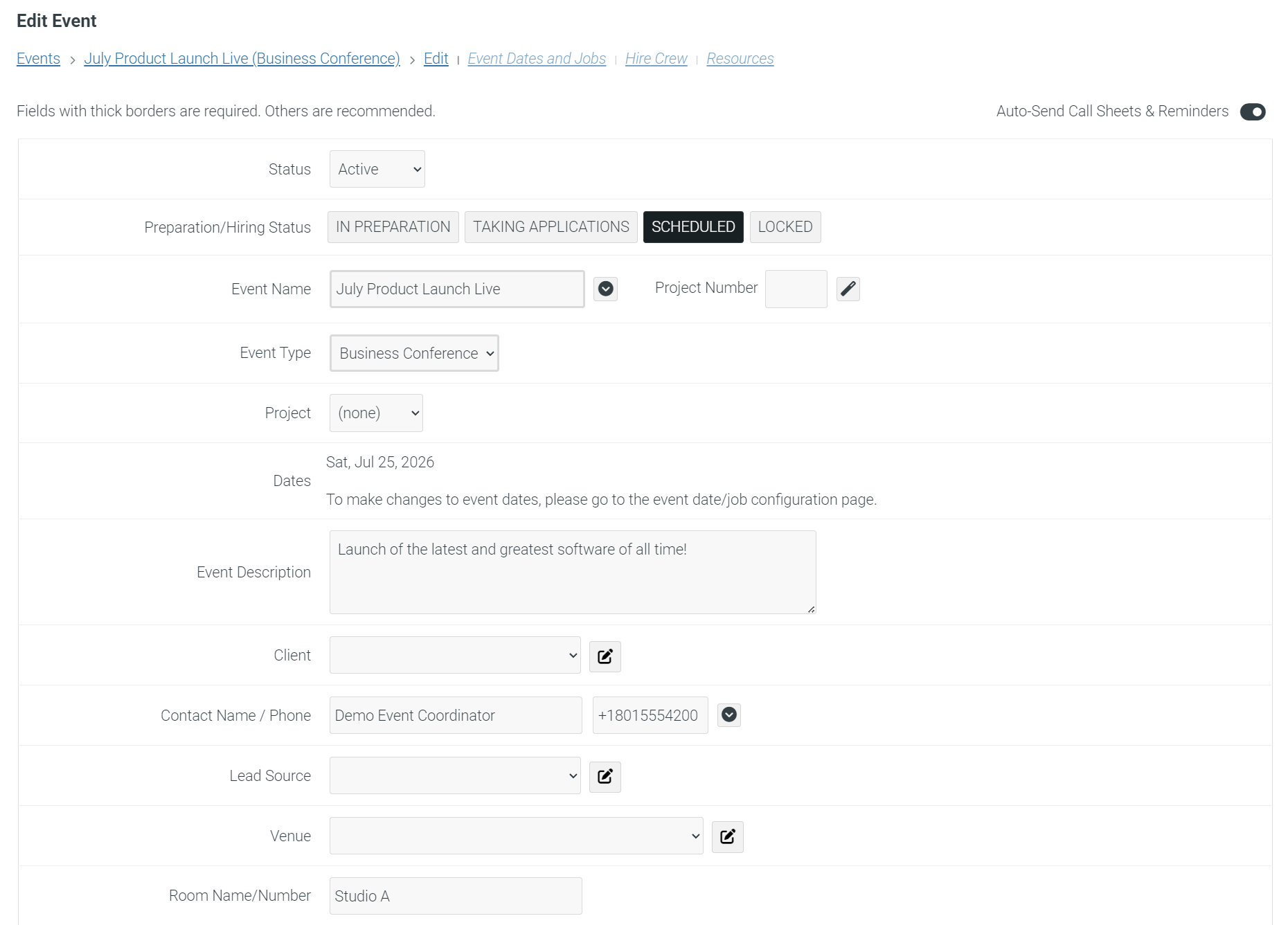
| Custom fields to capture company-specific details on events, crew, contacts, resources, worksheets, and show documents | ||||||
| Attach files and web links to events, worksheets, projects, contacts, and invoices for shared production context | ||||||
| Technical support included | ||||||
| File attachment storage | None | 0.5-2 GB | 5-8 GB | 10-15 GB | 20-25 GB | 2 GB |
| Production Scheduling & Event Workflows | ||||||
| Core scheduling | ||||||
| Schedule unlimited events | ||||||
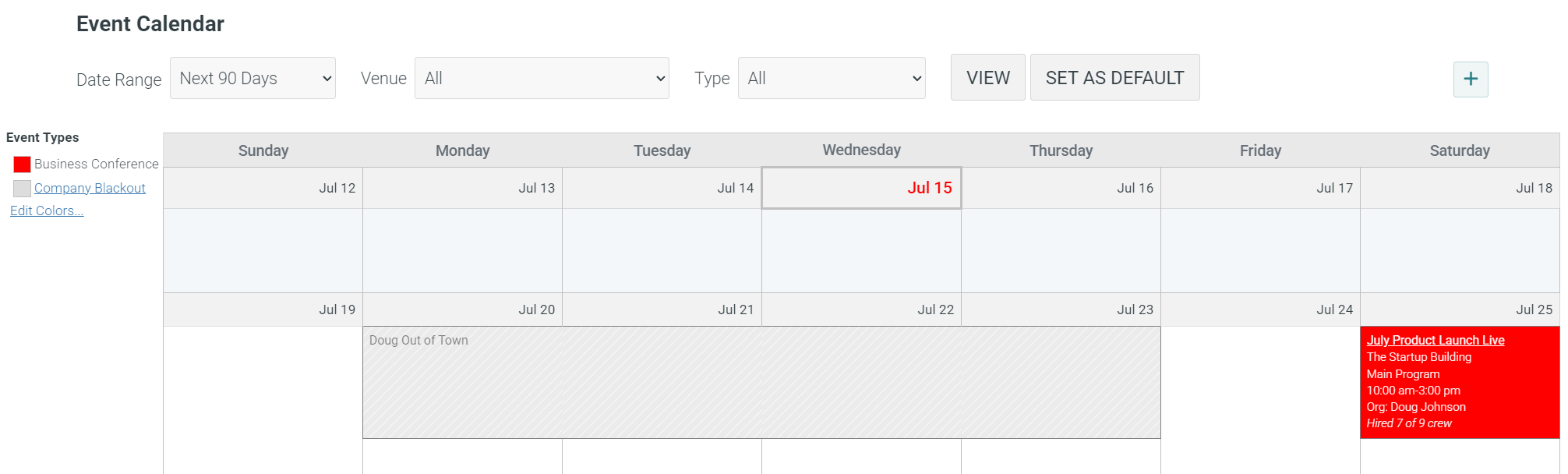
| Color-coded production calendar for scanning event types, statuses, and scheduling patterns | ||||||
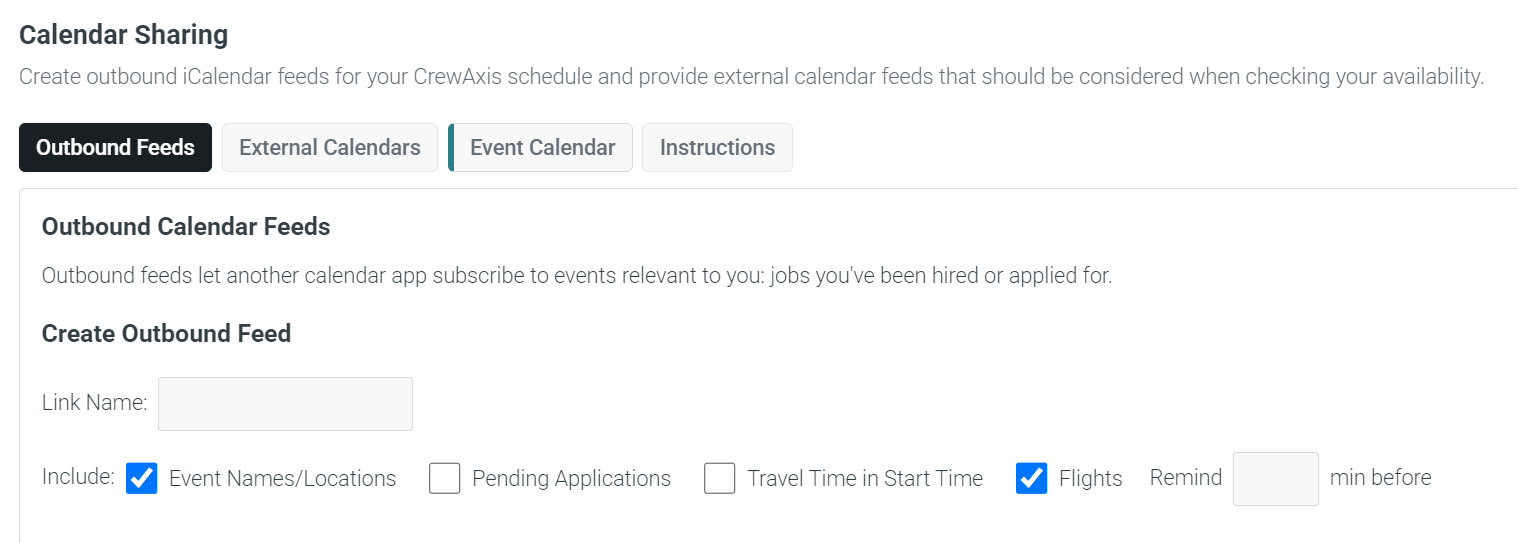
| Subscribe to CrewAxis events in external calendars using iCal feeds | ||||||
| Event location map and directions | ||||||
| Assign cast, executives, client representatives, and outside contacts to events | ||||||
| Call sheets, Production Tools, and planning intake | ||||||
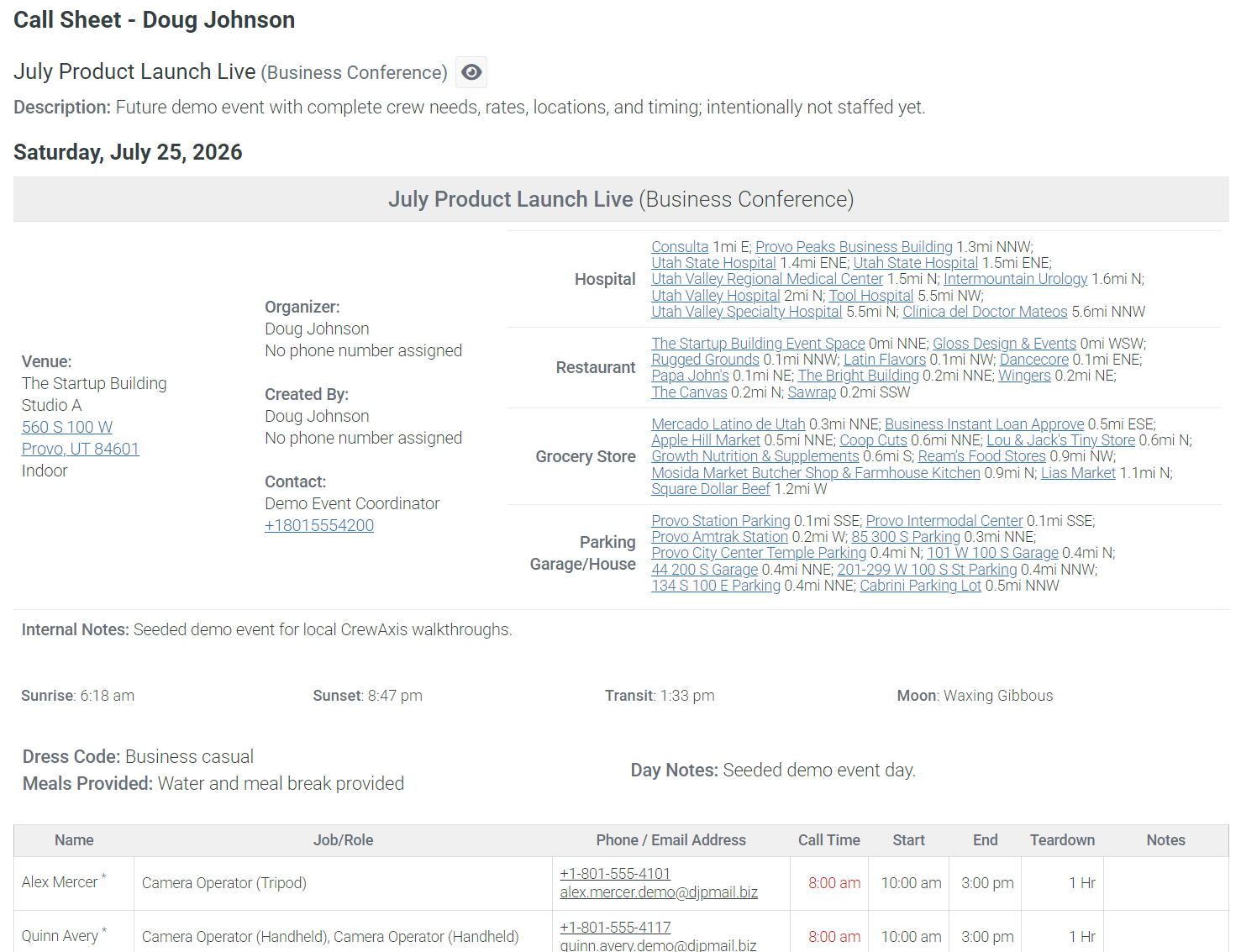
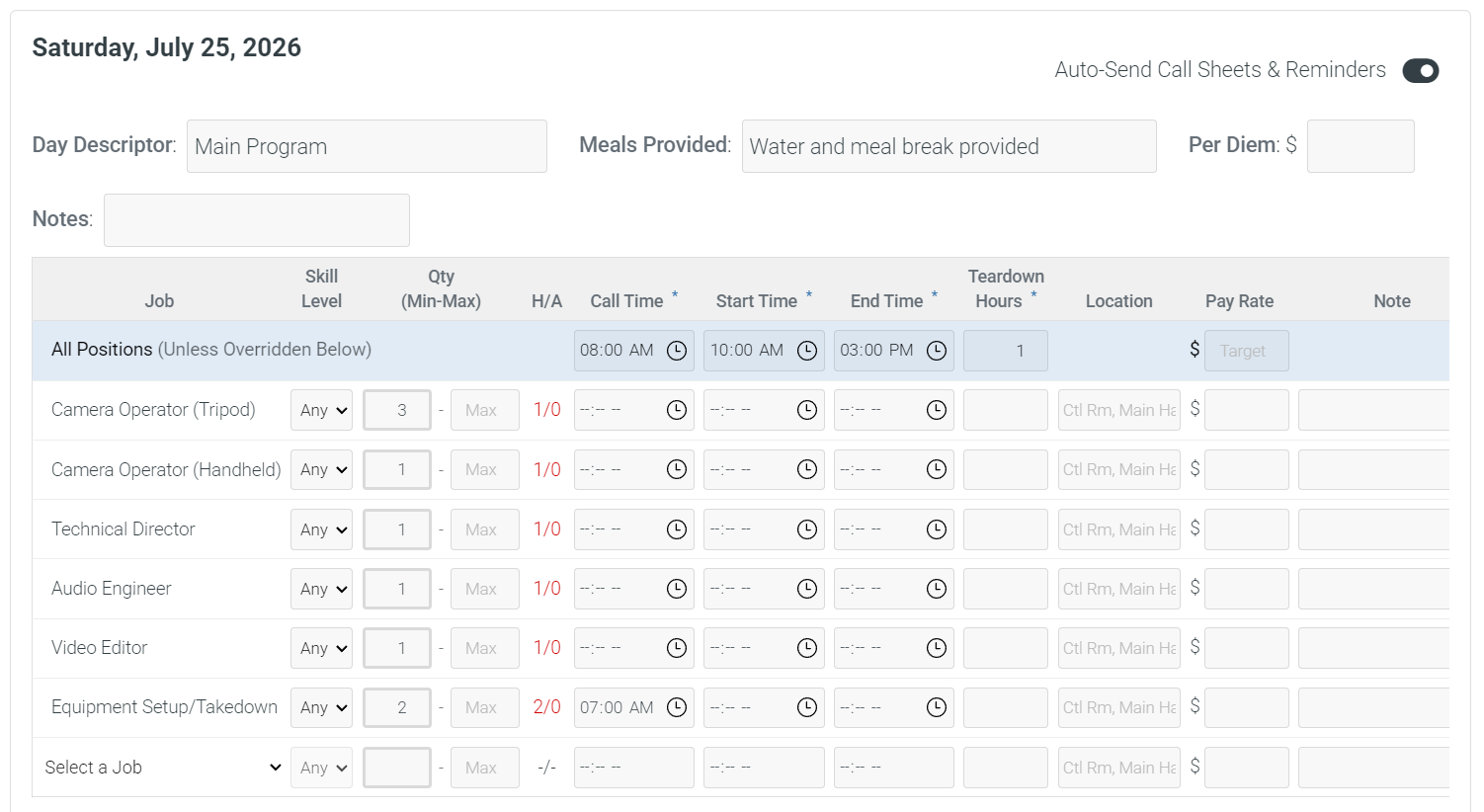
| Create and email call sheets with schedule, venue, crew, resource, and production details | ||||||
| Run Sheets as a simpler free-plan timing document option | ||||||
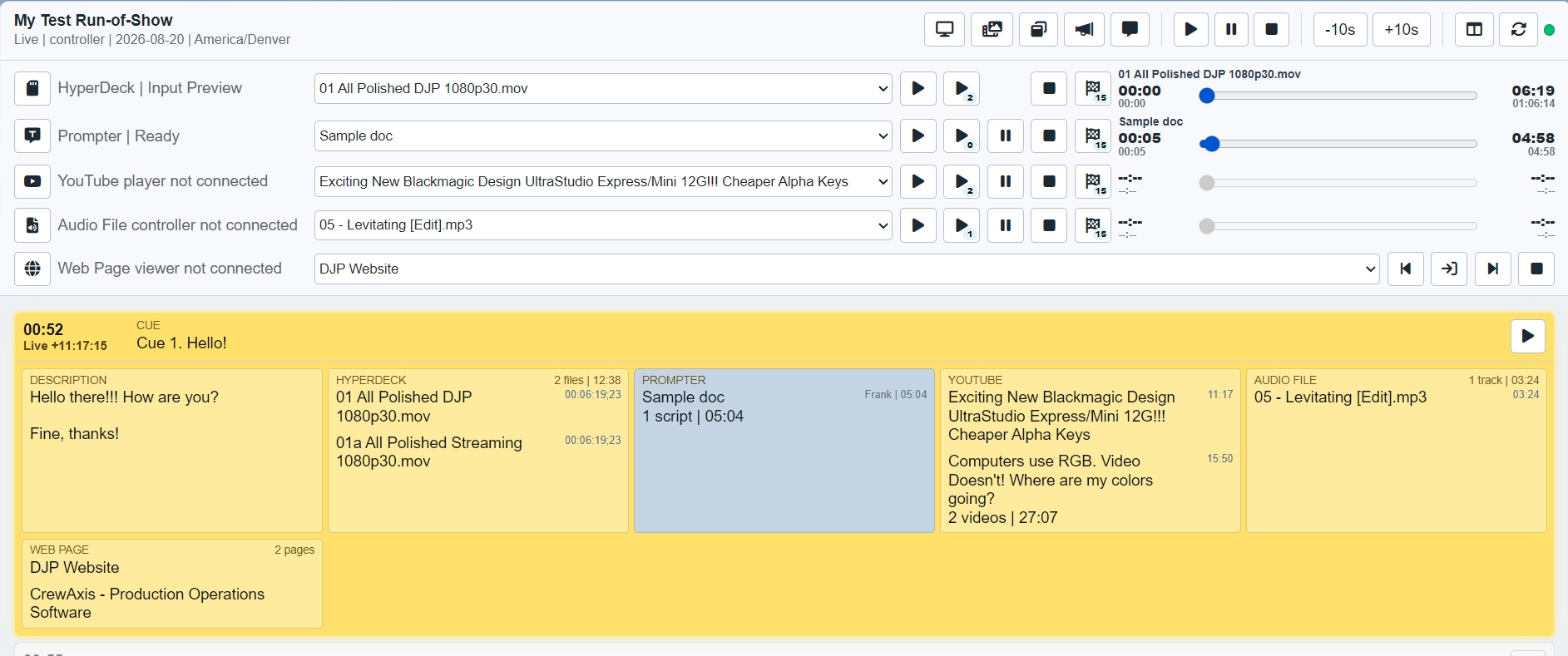
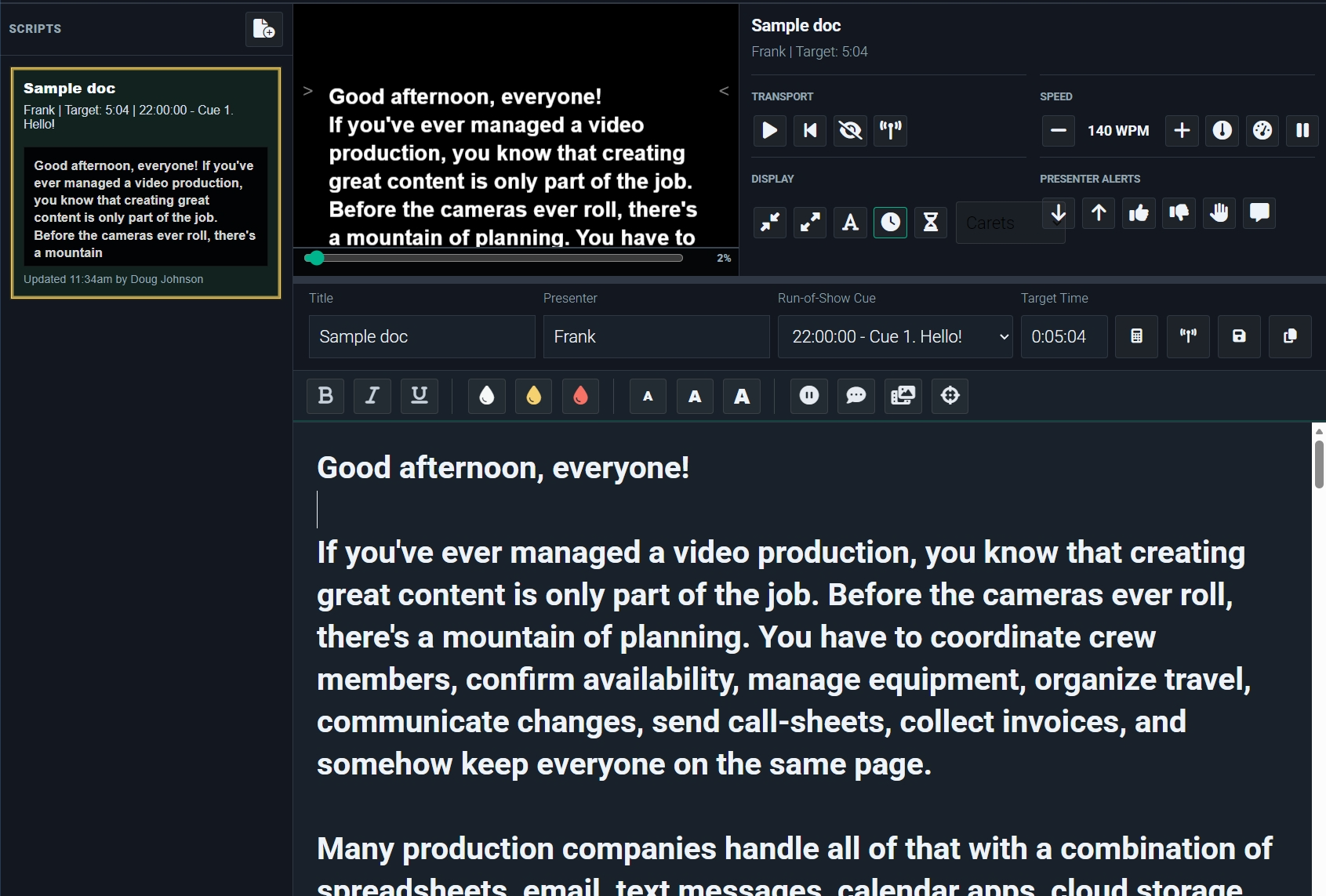
| Production Tools suite for the event day: Run-of-Show, Prompter, and show-control surfaces that keep CrewAxis involved during production | ||||||
| Run-of-Show replaces Run Sheets on paid plans with active cue tracking, timing, controller views, mini views, and production display modes | ||||||
| Prompter scripts with shareable view links, display controls, and live production sync | ||||||
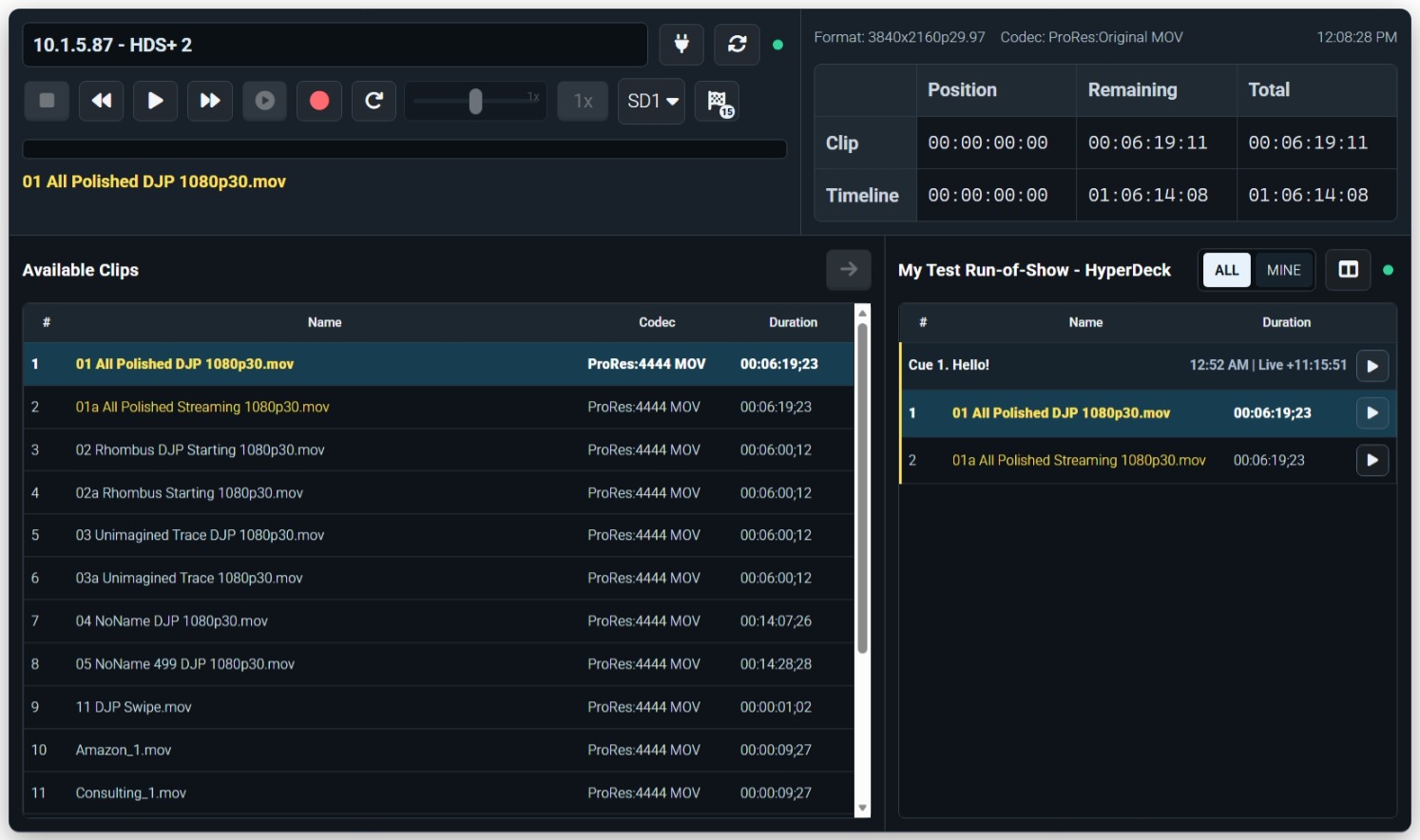
| HyperDeck Control for cueing, playing, pausing, seeking, and monitoring supported show playback decks from the browser | ||||||
| Run-of-Show media controls for browser sources, audio playback, YouTube playback, and show-linked media cues | ||||||
| Custom show-document columns for timing, responsibility, cue, note, or other company-specific fields | ||||||
| Collaborative planning worksheets for clients and team members to collect production requirements before the event | ||||||
| Convert planning worksheets directly to events so client intake can become a scheduled production | ||||||
| Projects and preparation tracking | ||||||
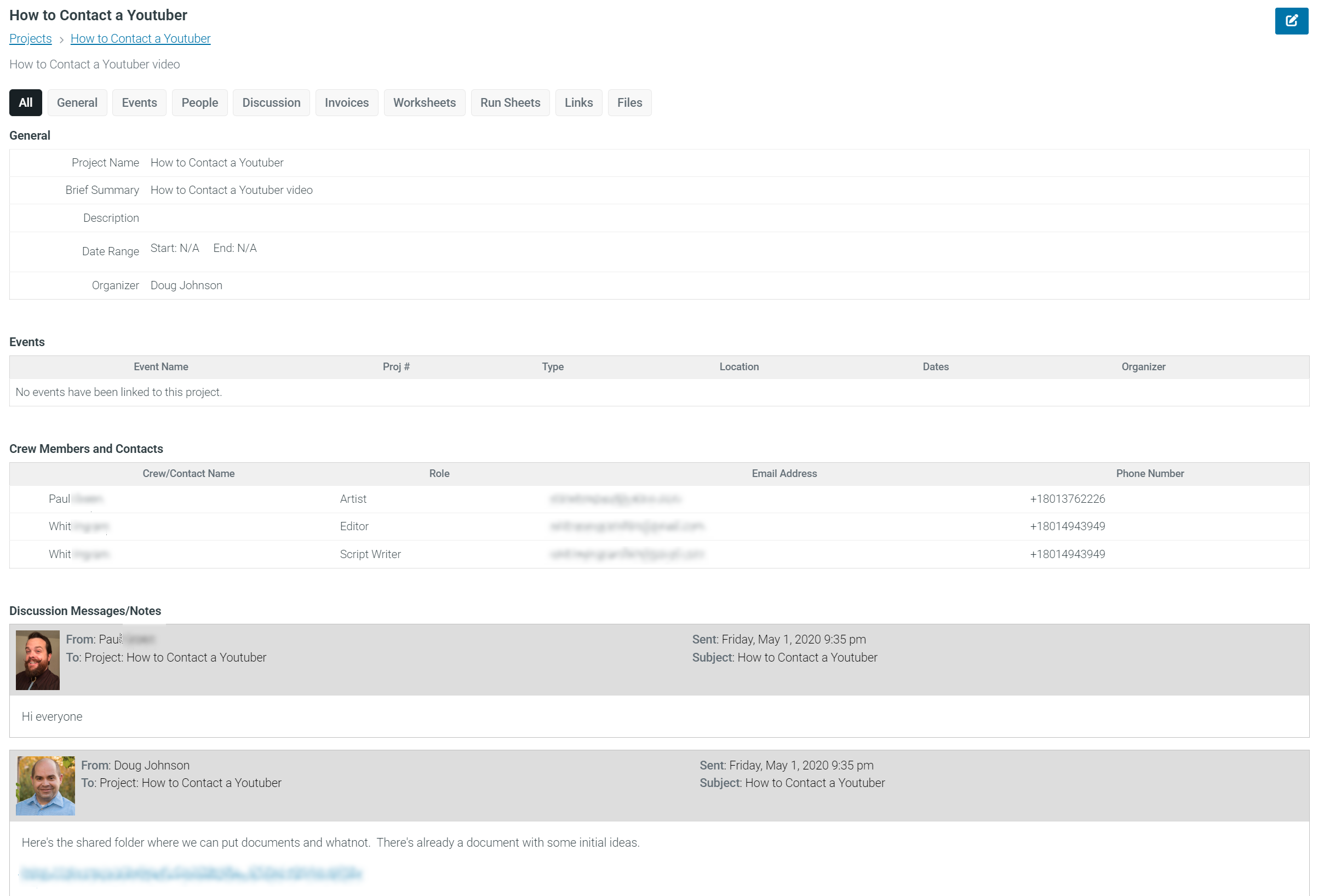
| Projects that keep related events, contacts, Run-of-Show details, files, tasks, worksheets, and invoices together | ||||||
| Tasks and preparation checklists tied to events, projects, and worksheets so follow-up work stays visible | ||||||
| Communication & Operational Memory | ||||||
| Crew communication | ||||||
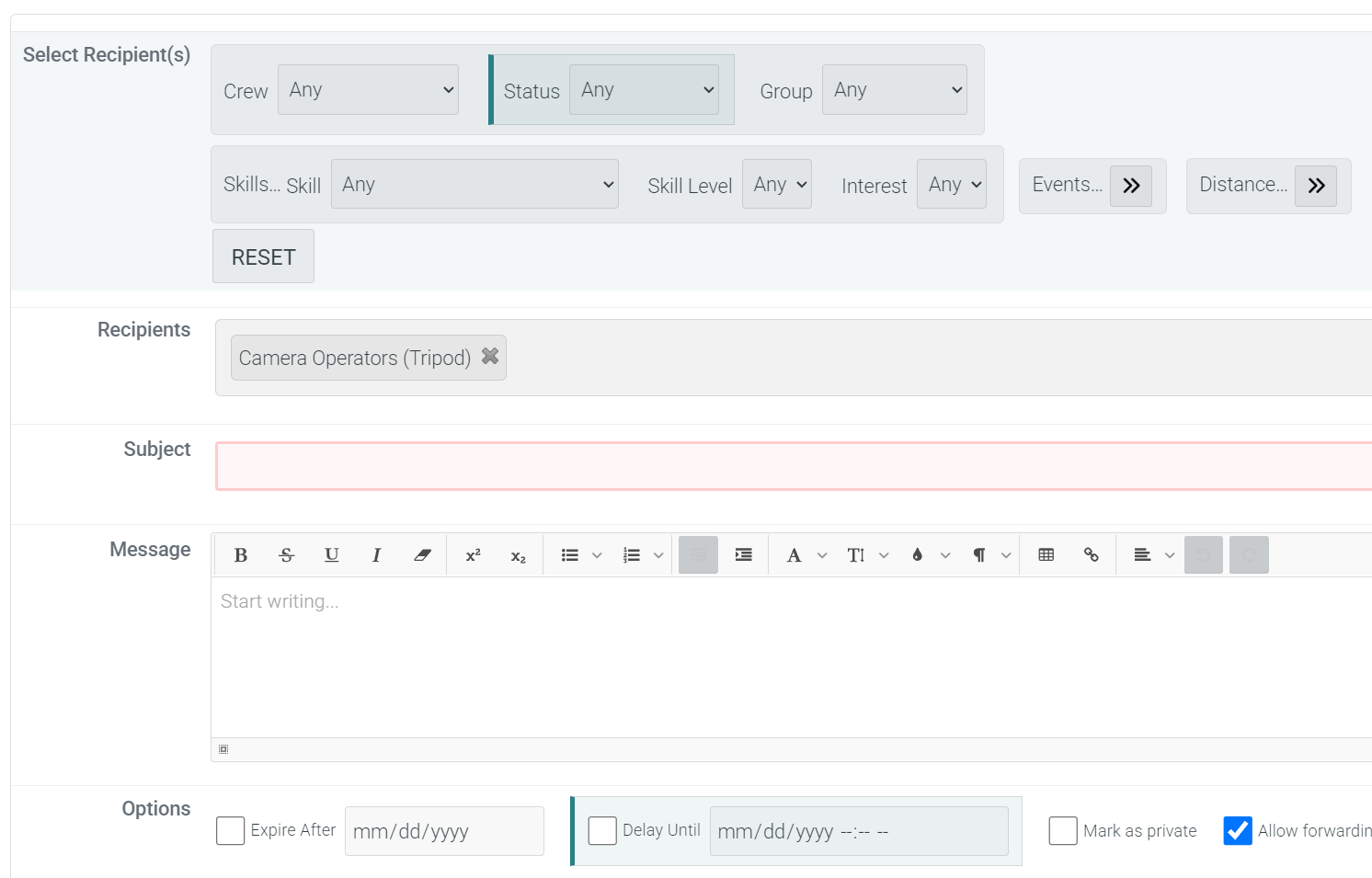
| Automatic crew preparation emails that bundle the details each crew member needs: call sheets, show timing, resources, files, worksheets, and calendar appointments | ||||||
| Upcoming job reminders that help crew stay aware of confirmed assignments | ||||||
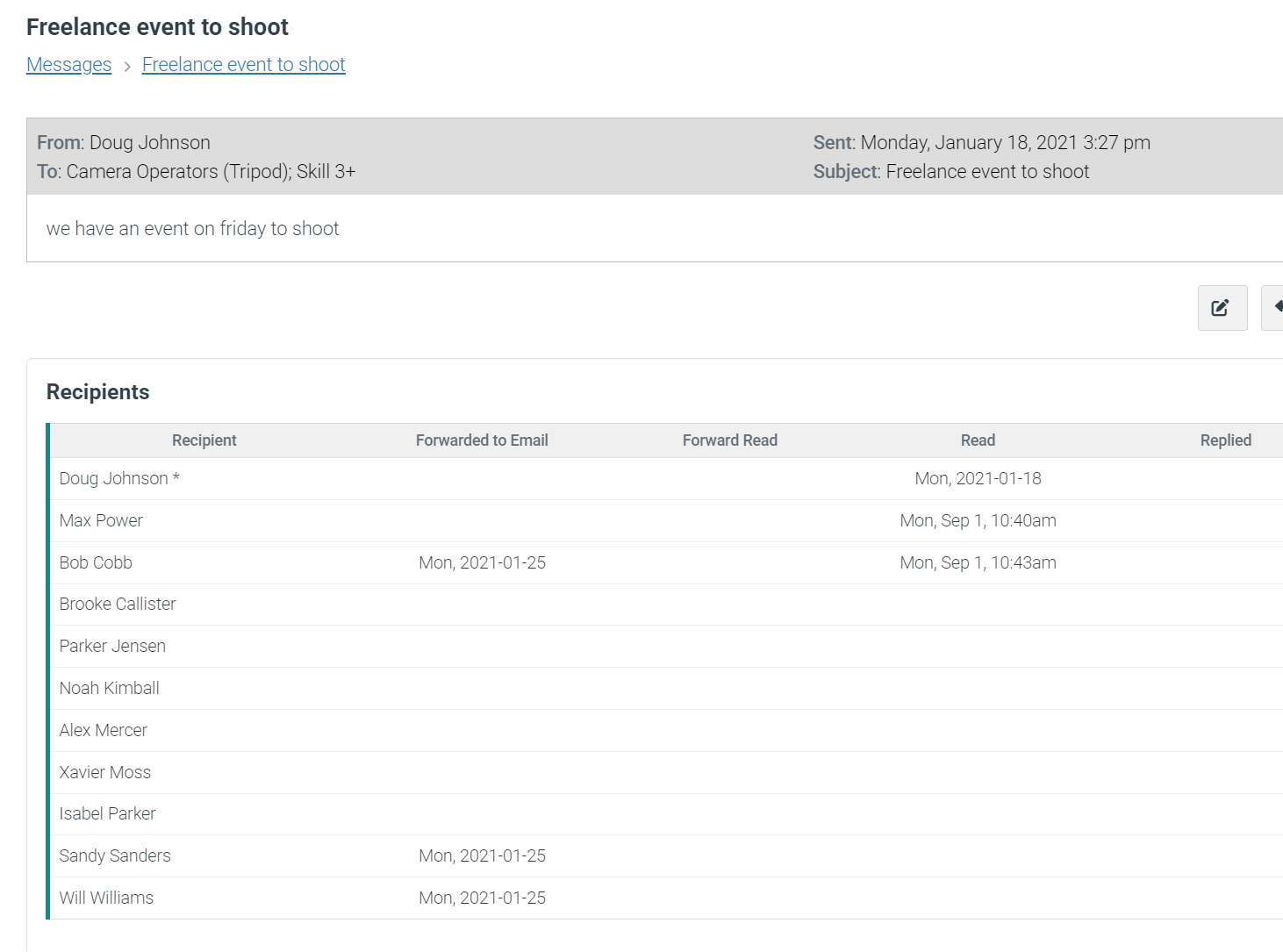
| Crew messaging with read tracking so organizers can see who has opened important messages | ||||||
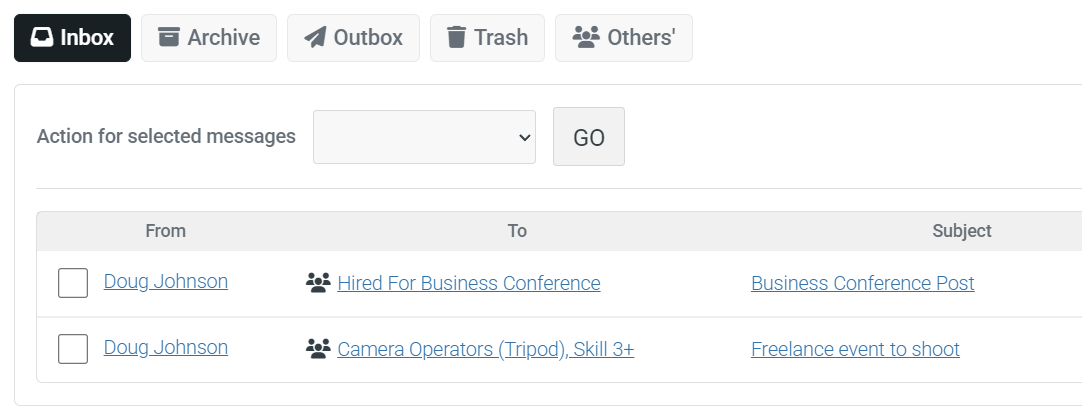
| Advanced messaging between crew members, organizers, and admins inside CrewAxis | ||||||
| SMS reminders for crew members ‡ | ||||||
| SMS message forwarding so crew can text through CrewAxis during events without exposing every phone number ‡ | ||||||
| History and shared context | ||||||
| Production Notes for remembering event, crew, client, contact, venue, reminder, and rating context over time | ||||||
| Crew activity log for recent logins, responses, changes, and other useful audit history | ||||||
| Crew Management & Staffing | ||||||
| Staffing pipeline | ||||||
| Unlimited jobs and positions per event | ||||||
| Custom job type list for the roles your company actually hires and schedules | ||||||
| Event staffing requirement builder for defining how many crew are needed by role, day, time, and minimum skill | ||||||
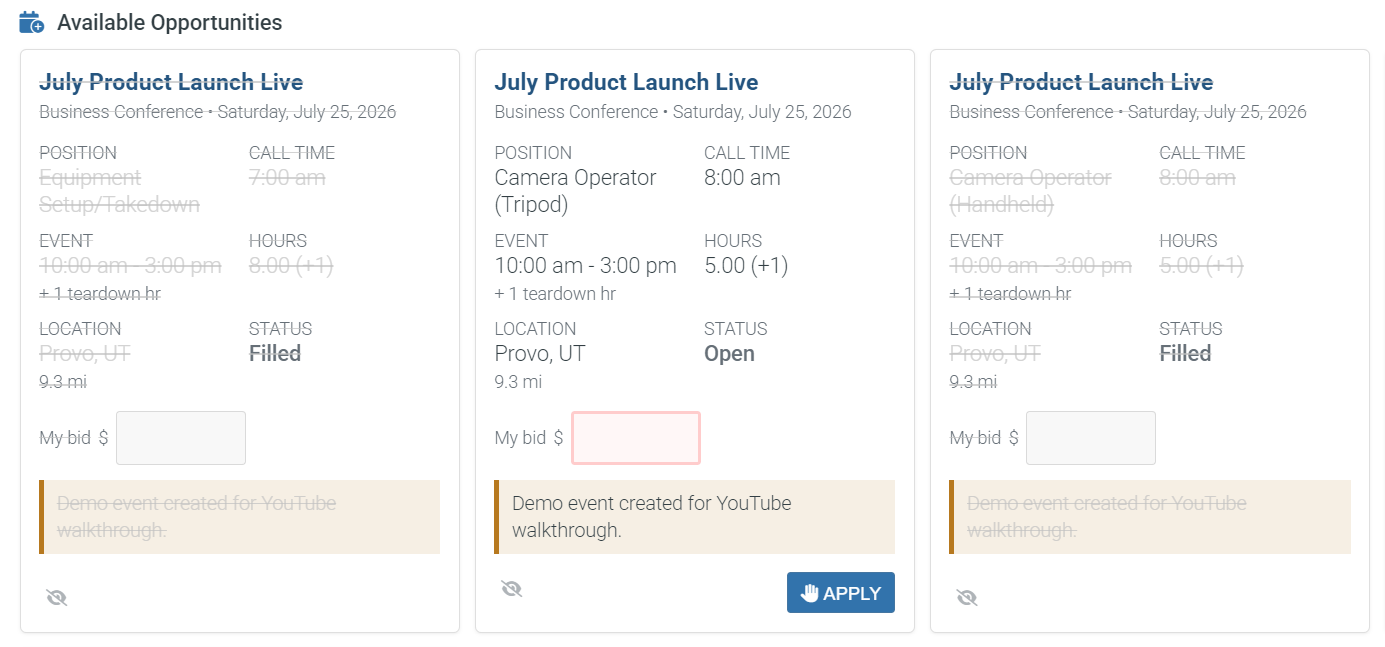
| Automatic job opportunity notices sent to eligible crew for open positions | ||||||
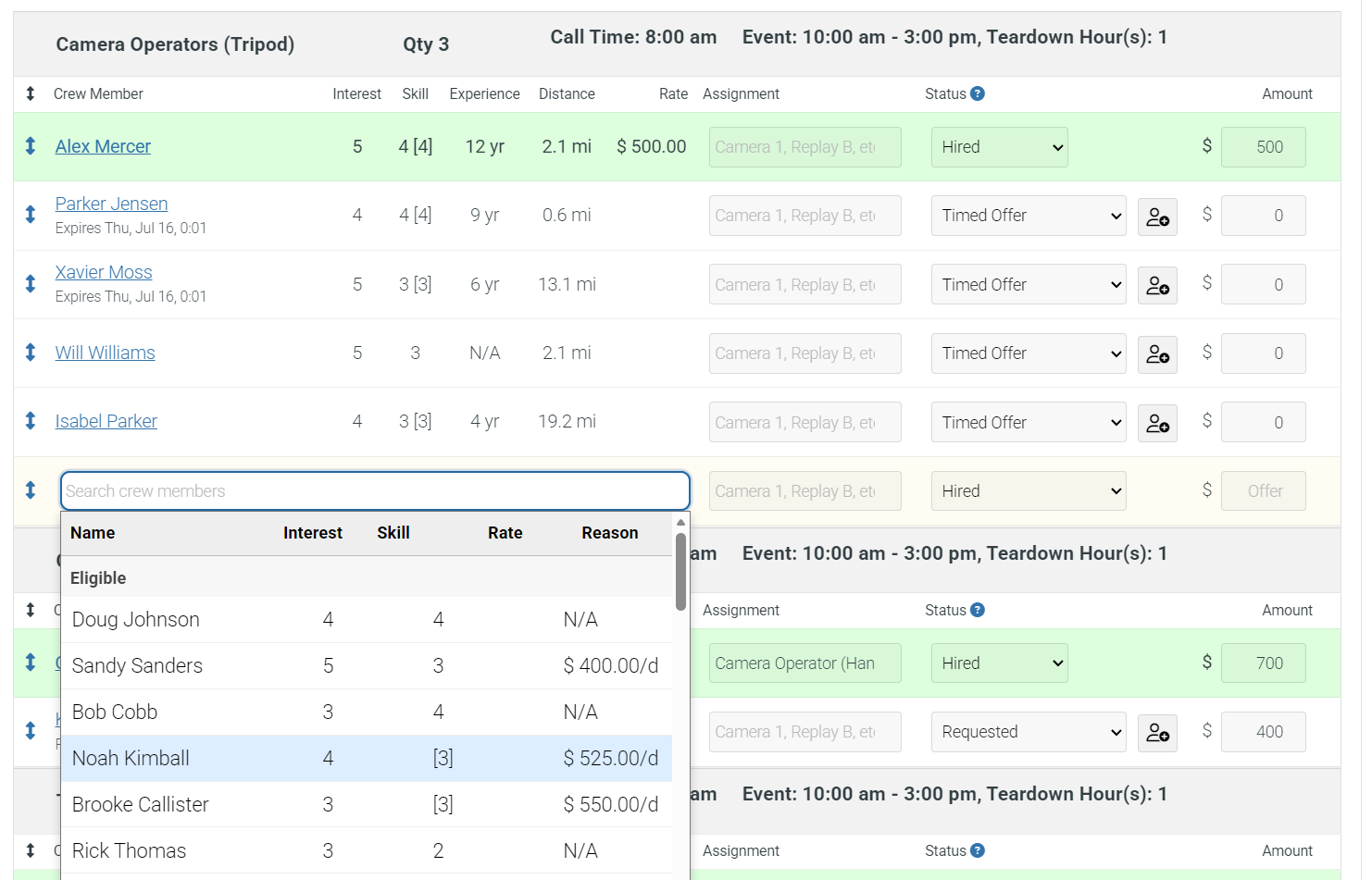
| Auto Staff ranked recommendations with transparent score components explaining why each crew member fits | View only | |||||
| Build staffing proposal drafts from candidate scores, availability conflicts, estimated costs, and past work history | ||||||
| Tools to find suitable and available candidates for positions based on role, skill, distance, history, and availability | ||||||
| Crew records and onboarding | ||||||
| Crew job history, ratings, rates, and hiring outcomes for smarter future staffing choices | ||||||
| Crew member self-registration | ||||||
| Email invitations for crew to join your site | ||||||
| Bulk add/import crew members from prepared lists instead of entering every account by hand | ||||||
| Crew skill self-ratings by job type so crew can indicate strengths and interest levels | ||||||
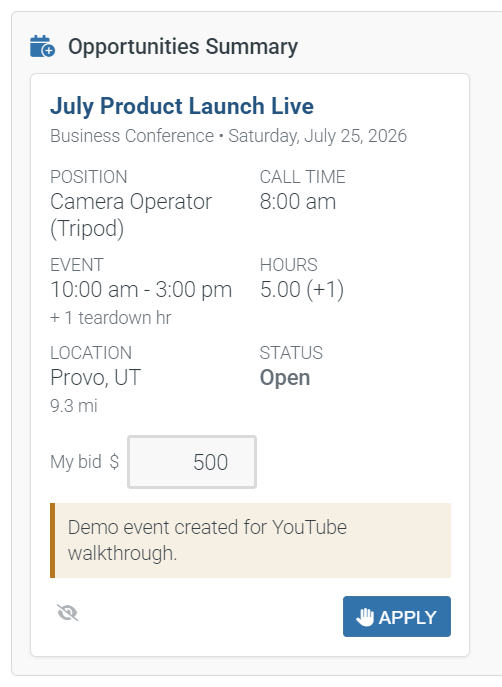
| Crew members can bid on available jobs or respond with interest when positions are open | ||||||
| Manager, organizer, and peer crew performance ratings after jobs are completed | ||||||
| Crew classifications for separating employees, contractors, admins, and other account types | ||||||
| Availability, time, and AI assistance | ||||||
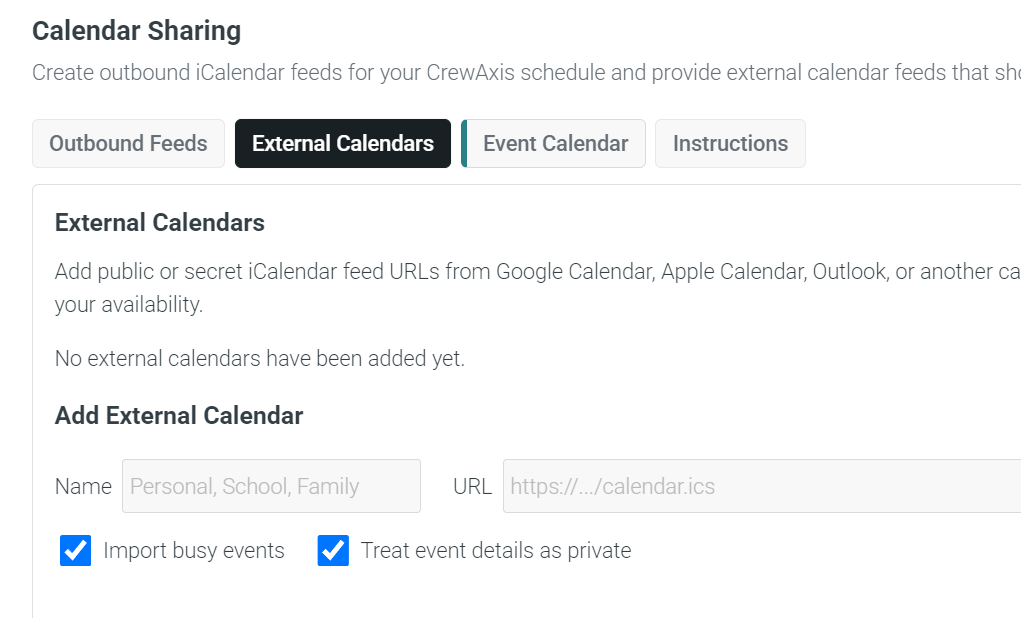
| Automated synchronization of crew member external calendars to detect Google, iCloud, Outlook, and other schedule conflicts | ||||||
| Crew blackout dates and repeating unavailable time periods for planned vacations, blocked days, and regular conflicts | ||||||
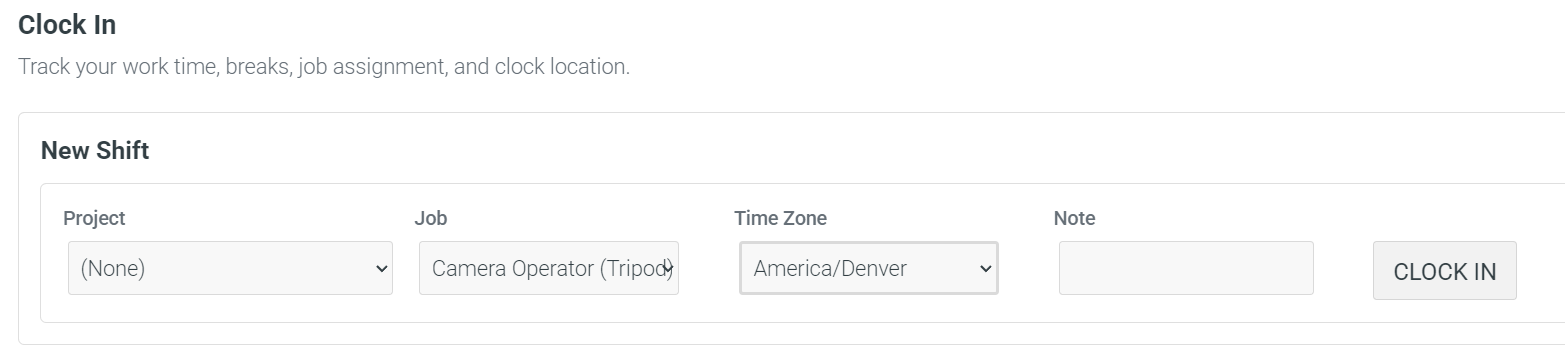
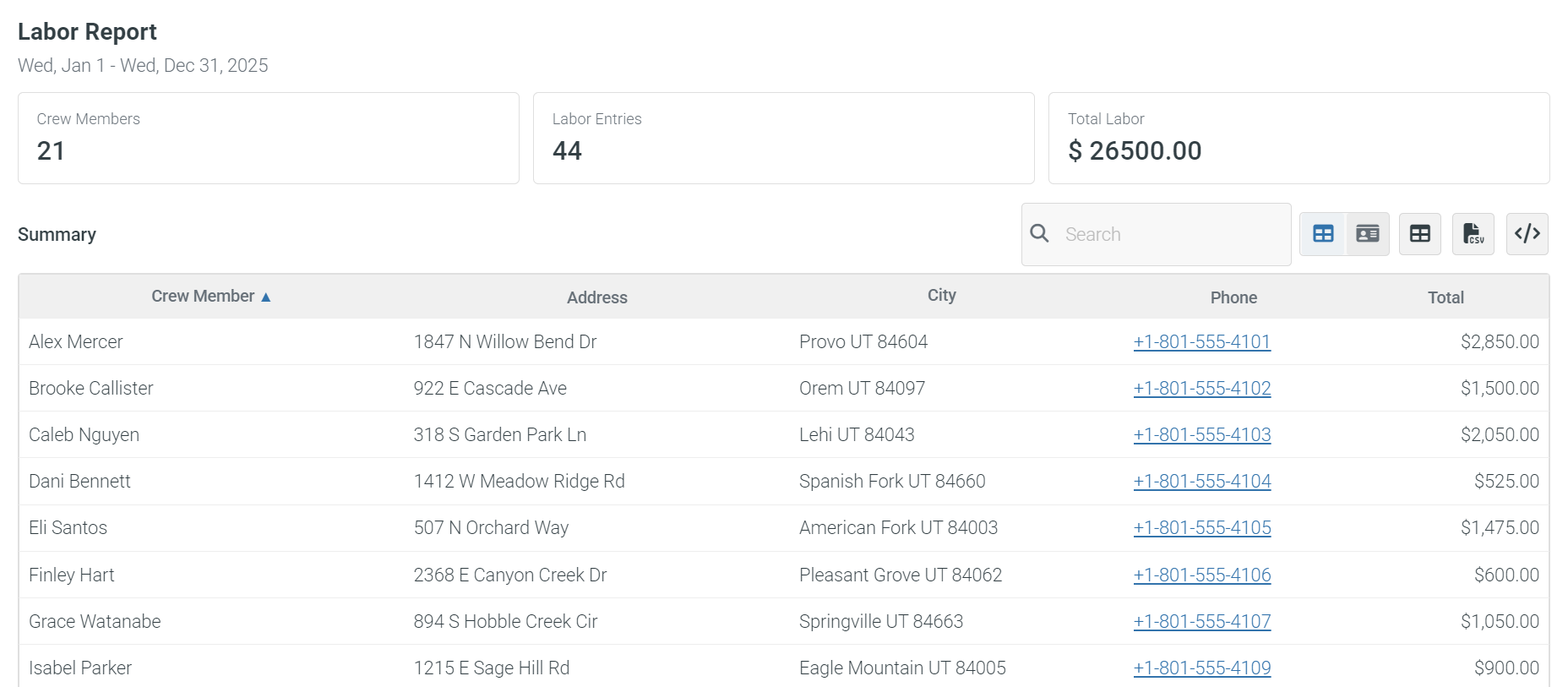
| Crew time clock with reporting for clock-in/clock-out records and labor review # | ||||||
| MCP server access so approved AI tools can help review events, crew, and staffing options | ||||||
| Crew member account limit | 5 | 10-25 | 50-100 | 125-300 | 500-750 | 25 |
| Resources & Equipment Tracking | ||||||
| Scheduling and field custody | ||||||
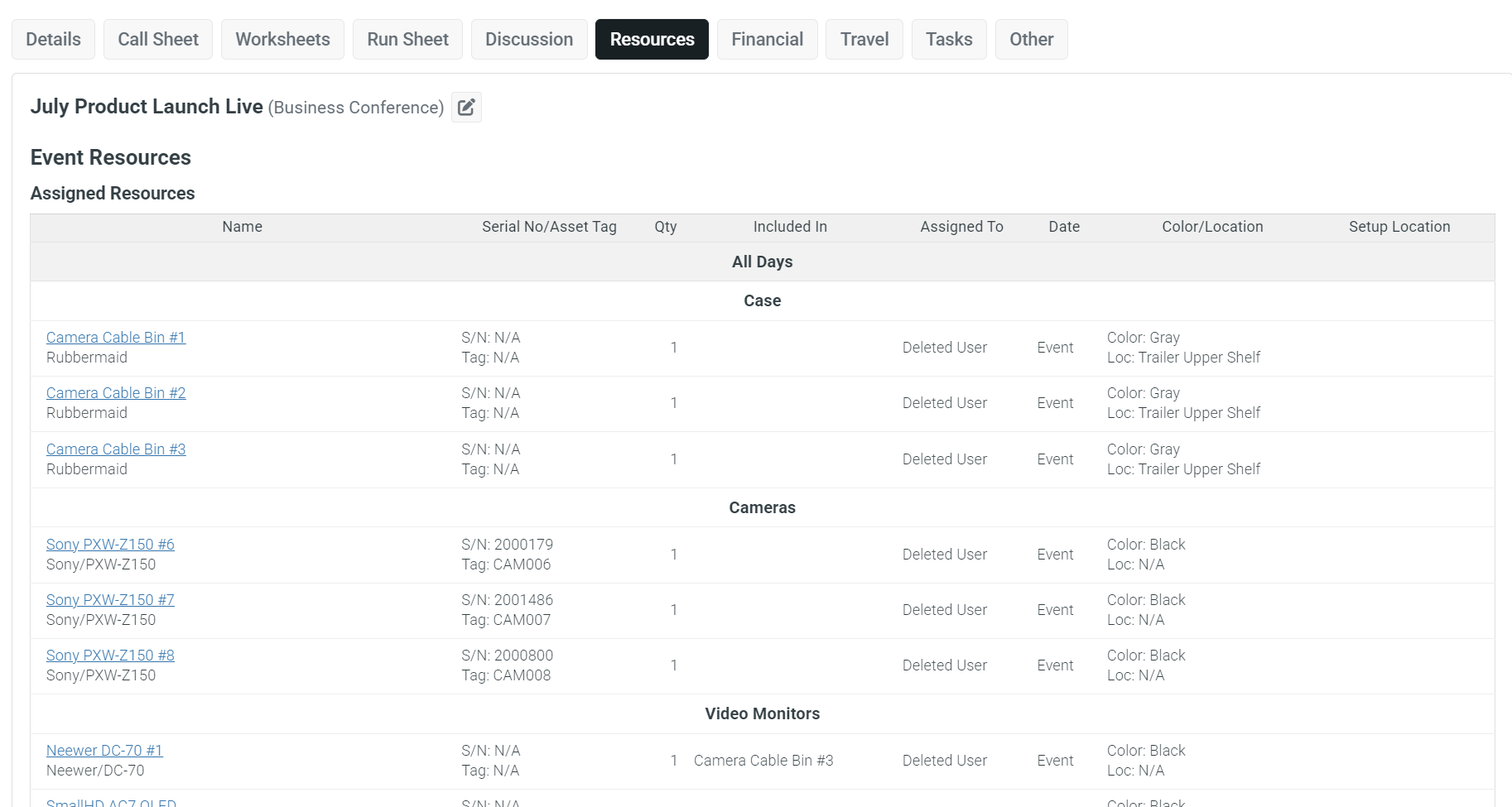
| Track equipment, venues, kits, vehicles, and other resources that need to be scheduled or reserved | ||||||
| Assign equipment, locations, kits, and other tracked resources to events | ||||||
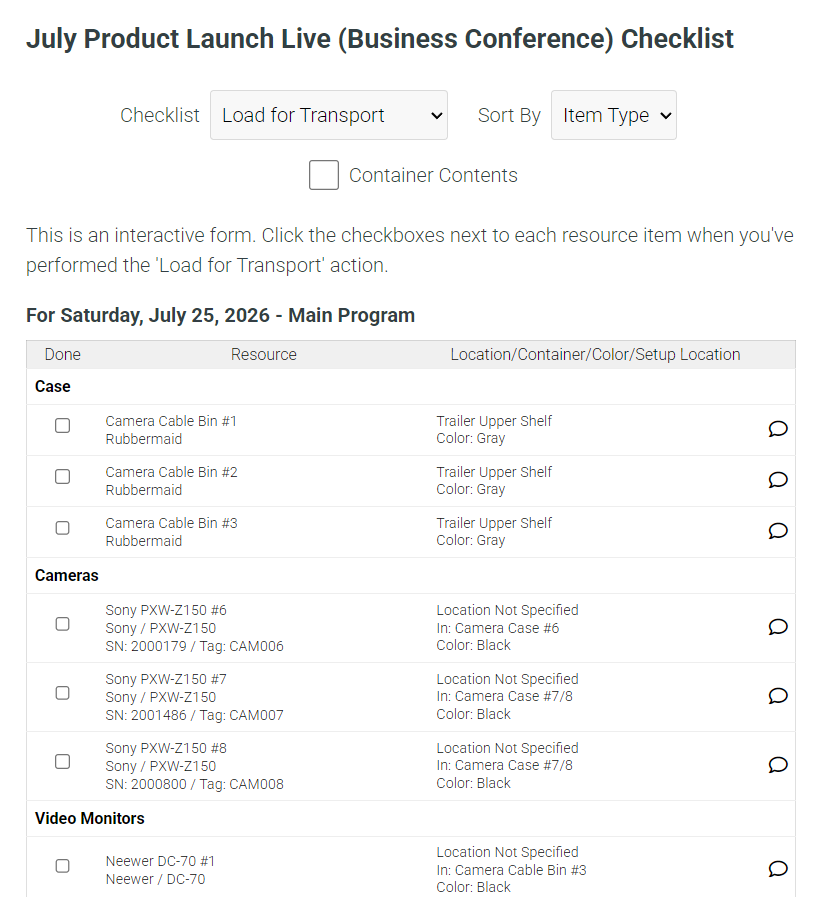
| Resource item checklists for confirming packed, delivered, returned, or other item-specific steps # | ||||||
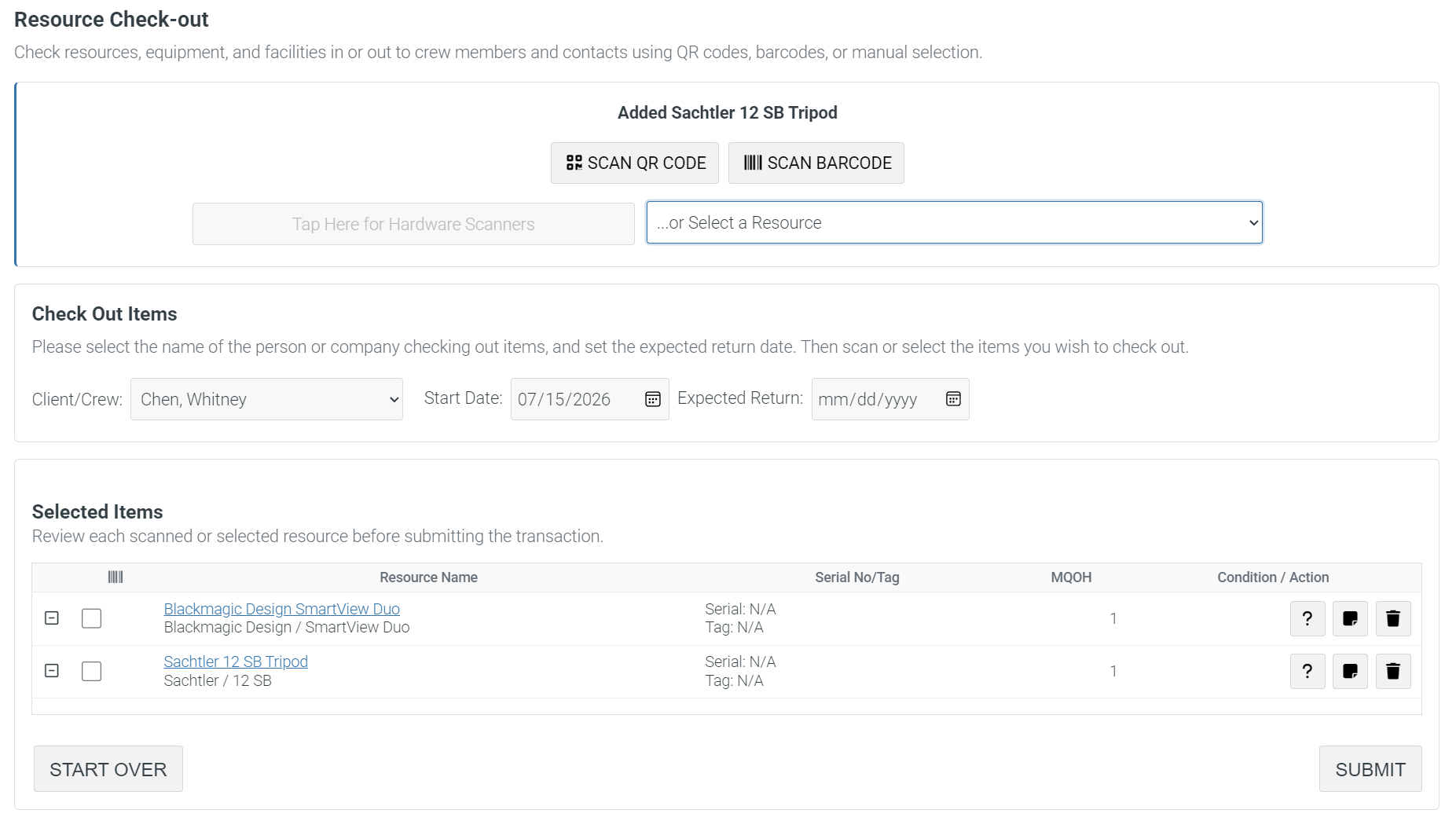
| Check resource items out to crew and record custody for equipment leaving inventory # | ||||||
| Labels, lookup, and rental workflows | ||||||
| Create and scan QR code labels so resource records can be opened quickly in the field | ||||||
| Scan barcode labels for fast resource lookup, checkout, and return workflows | ||||||
| Late checkout return reporting for items that have not come back when expected | ||||||
| Rent equipment to crew and external entities with invoicing support | ||||||
| Asset planning and limits | ||||||
| Archive media location tracking for where cards, drives, footage, or deliverables ended up | ||||||
| Equipment maintenance and depreciation cost tracking for long-term asset planning | ||||||
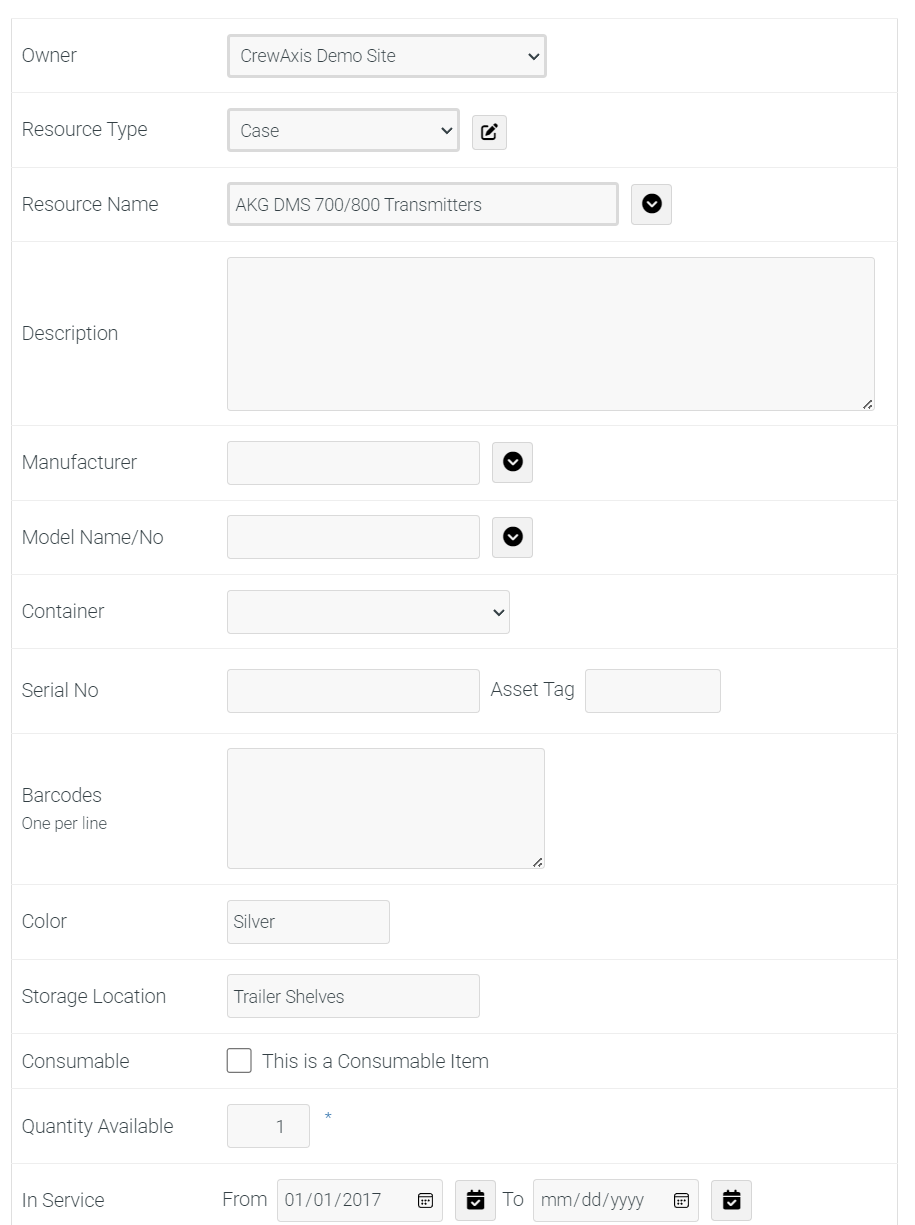
| Resource owners, serial numbers, rates, and operating details for more complete inventory records | ||||||
| Crew-entered equipment availability when crew bring or manage their own usable gear | ||||||
| Import resources from CSV or text files to load inventory lists faster | ||||||
| Resource item limit | 25 | 50-200 | 250-500 | 1000-2000 | 5000-Unlimited | N/A |
| Production Finance & Travel | ||||||
| Costs and invoices | ||||||
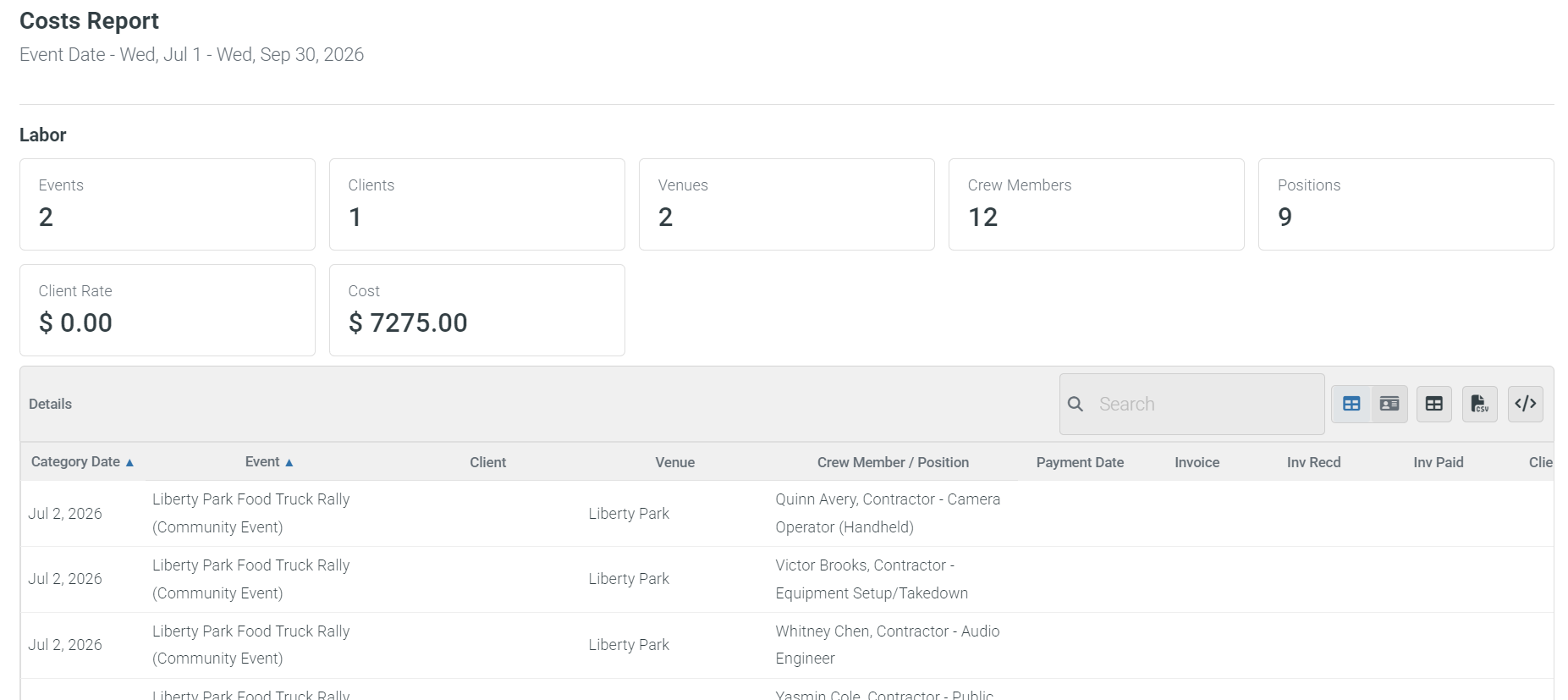
| Cost reporting for production spending across events and crew assignments | ||||||
| Create client quotations and invoices from production and event details | ||||||
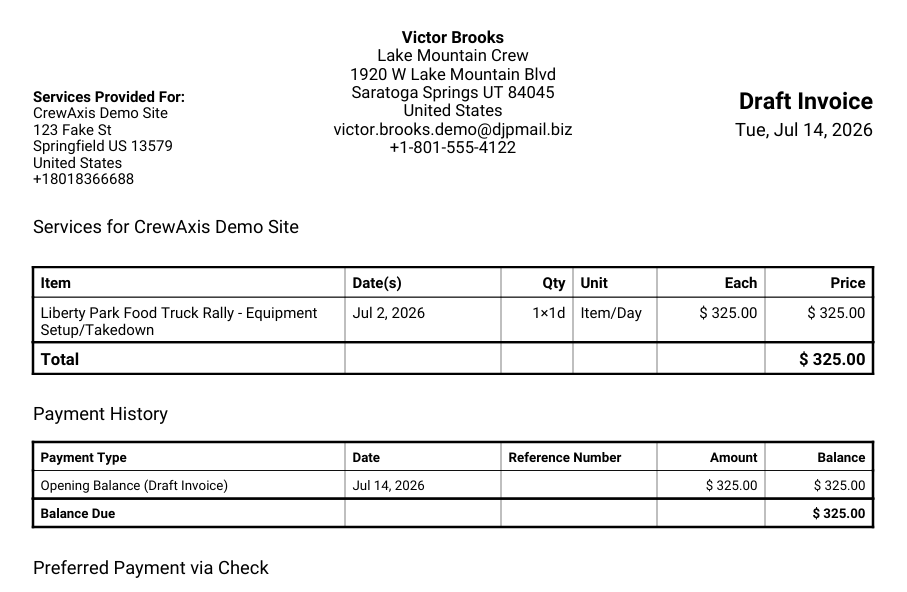
| Generate polished invoice PDFs for client review and delivery | ||||||
| Track itemized event costs and client rates for clearer production profitability | ||||||
| Contractor invoice submission reminders after assignments are completed | ||||||
| Travel details | ||||||
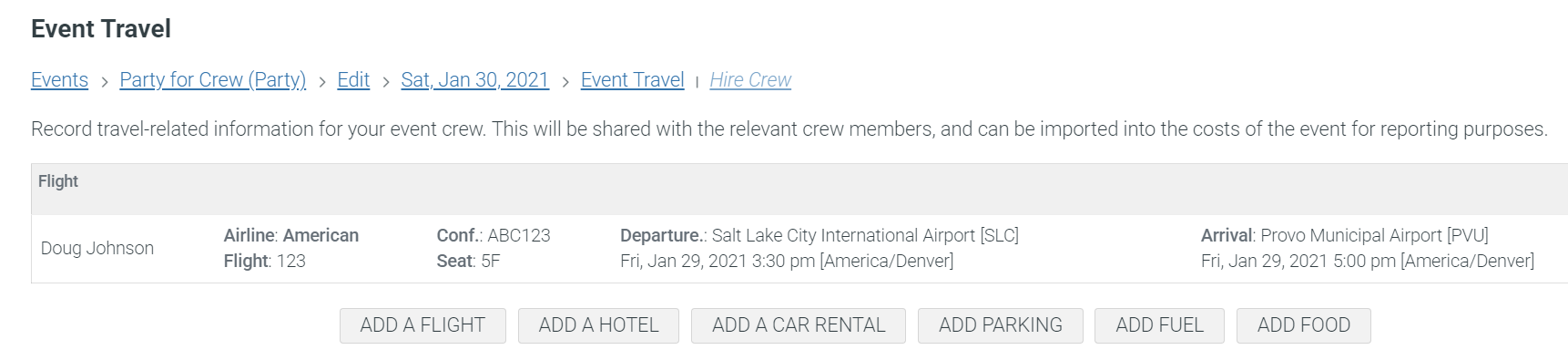
| Track crew travel, lodging, parking, and meals, with attached receipts/files | ||||||
| Clients & Contacts | ||||||
| Client records and follow-up | ||||||
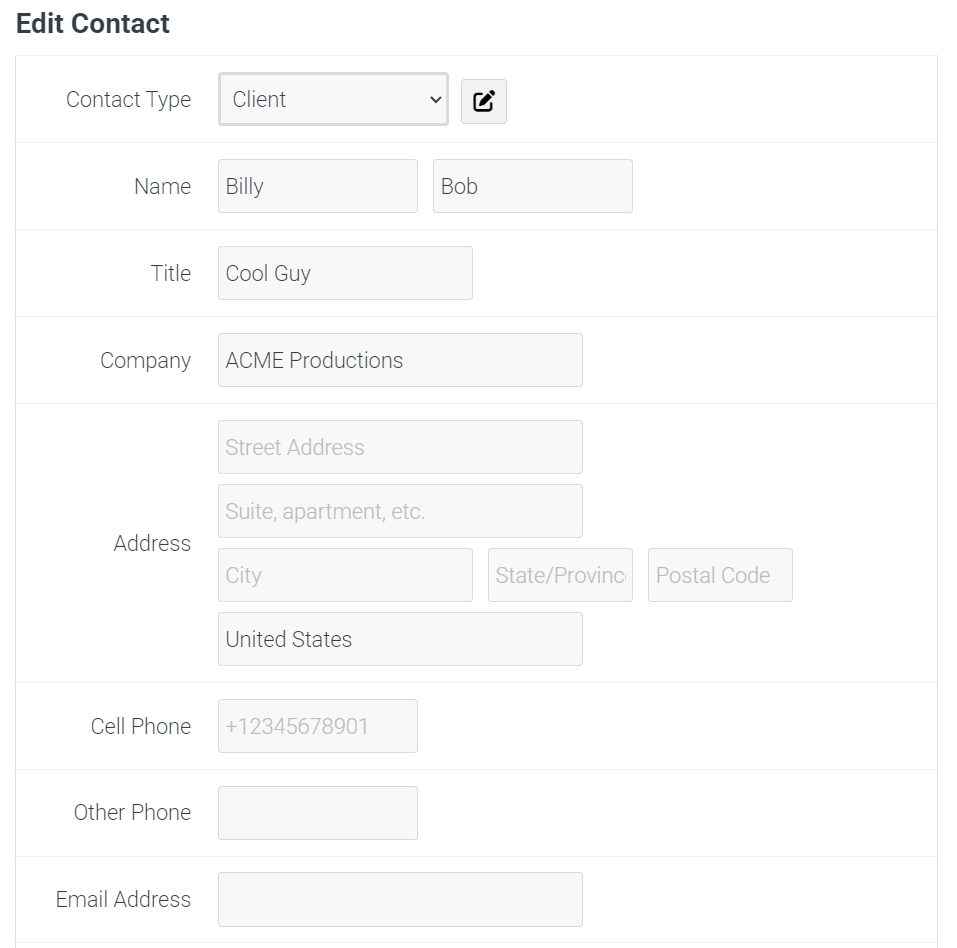
| Client, venue, cast, executive, and contact database for people and organizations tied to productions | ||||||
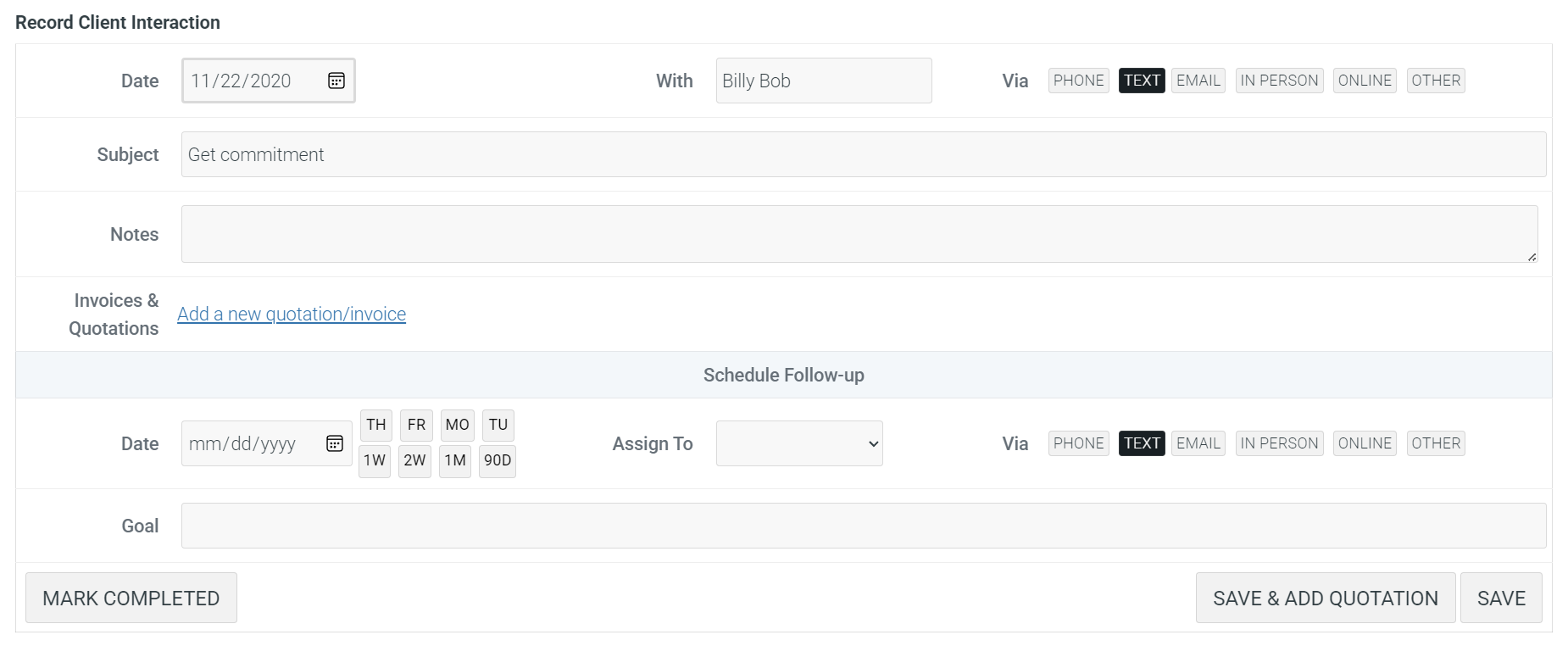
| Client contact history and interaction log for calls, emails, follow-ups, and past production context | ||||||
| CRM follow-up reminders so sales, planning, and client service tasks are not forgotten | ||||||
| Create new events from contact records to start scheduling from an existing client or venue | ||||||
| Outreach and limits | ||||||
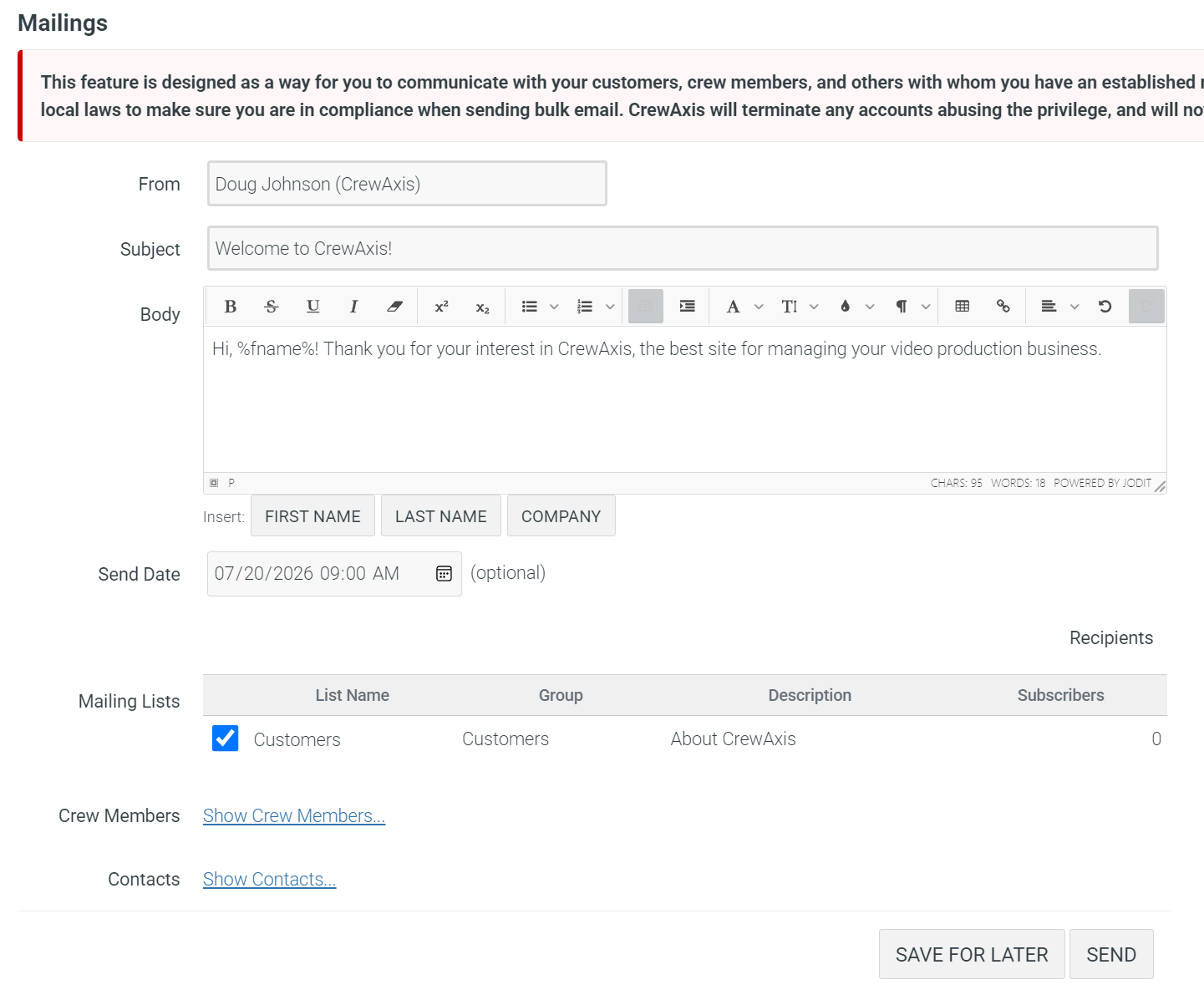
| Client-accessible email mailing lists for opt-in announcements and audience communication | Some plans | |||||
| Contact list limit | 25 | 25-75 | 200-500 | 500-Unlimited | Unlimited | N/A |