
Production Operations Software
Run every production with the memory of every production before it.
CrewAxis is production operations software for video companies that need the next job to be easier than the last one. Collect client needs before the event exists, rank crew candidates with Auto Staff, build the call sheet, assign gear, preserve useful notes, compile costs, gather feedback, and close out the job without chasing everything through spreadsheets, texts, and email threads.
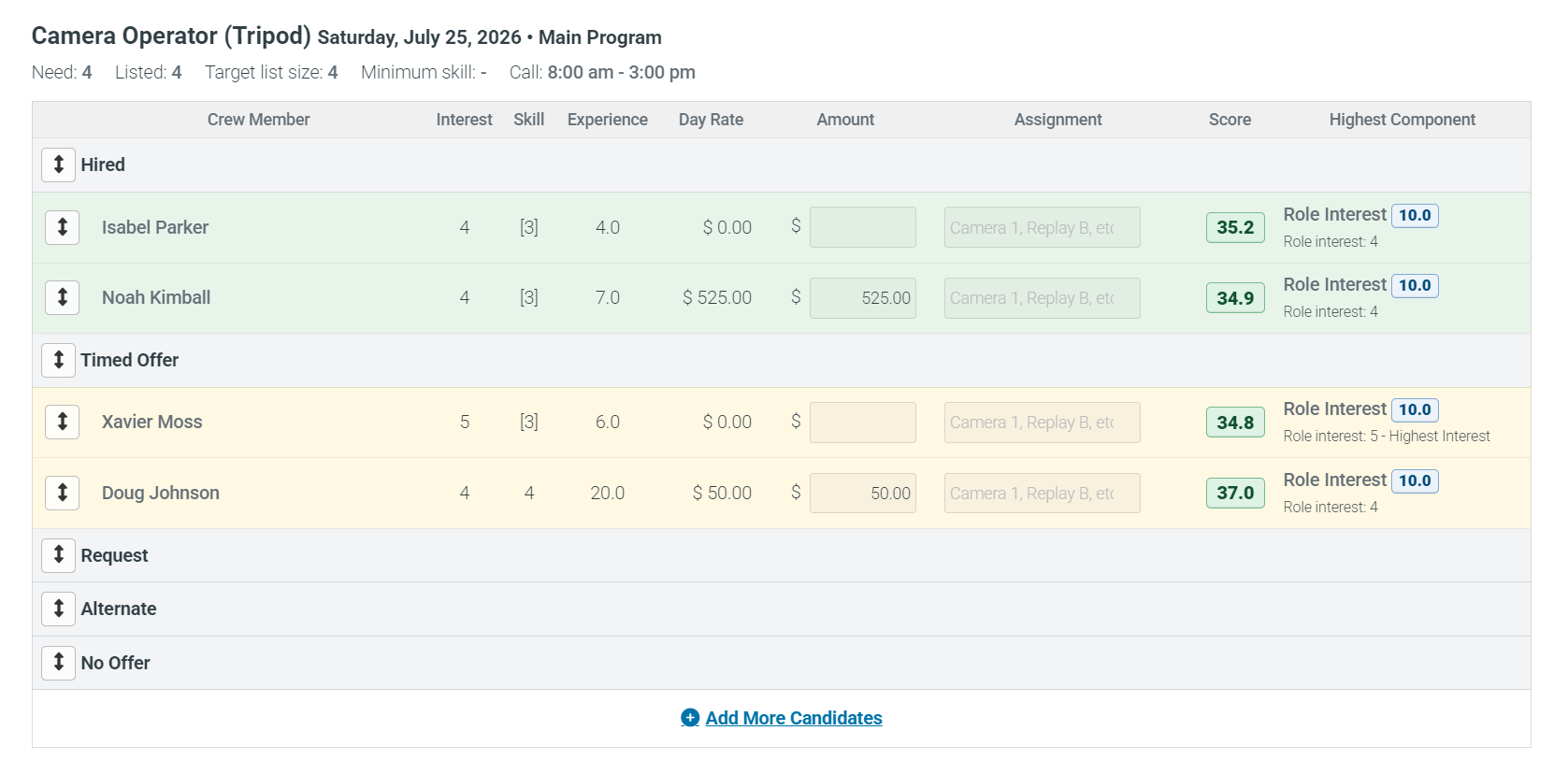
Rank candidates by role interest, skill, experience, rate, availability, and assignment fit so managers can start from better options.
Assign equipment, checklists, owners, costs, maintenance, and resource details where the production team needs them.
Capture notes, ratings, reminders, crew observations, client preferences, venue details, costs, and follow-up while the job is still fresh.
Built around production work, not adapted to it later. CrewAxis combines 40+ years of software development experience with 25+ years of professional video production experience, so the workflow reflects how production teams actually find crew, remember what matters, confirm people, move gear, send call sheets, and close out events.
Turn production context into the next useful action.
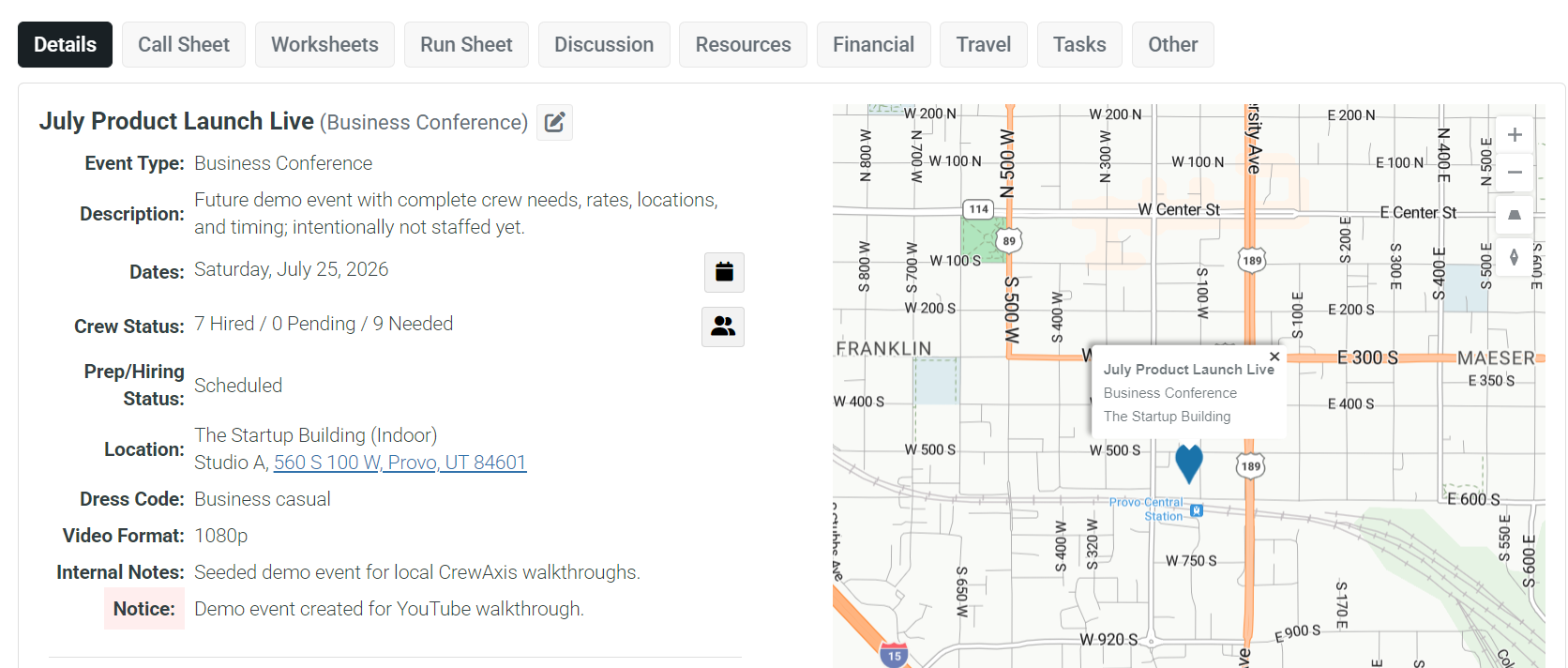
CrewAxis is built for production teams with real crews, real gear, repeat clients, changing plans, and lessons worth remembering. It gives staffing a purpose-built home, then carries those decisions into schedules, call sheets, communication, resources, notes, cost reporting, and job closeout.
Schedule faster with templates
Build repeatable staffing templates, define event-day needs, and carry those requirements into Auto Staff recommendations.
Rank and hire the right crew
Use Auto Staff to compare candidates, then send opportunity emails or texts, collect responses, and make hiring decisions in context.
Know where the gear is
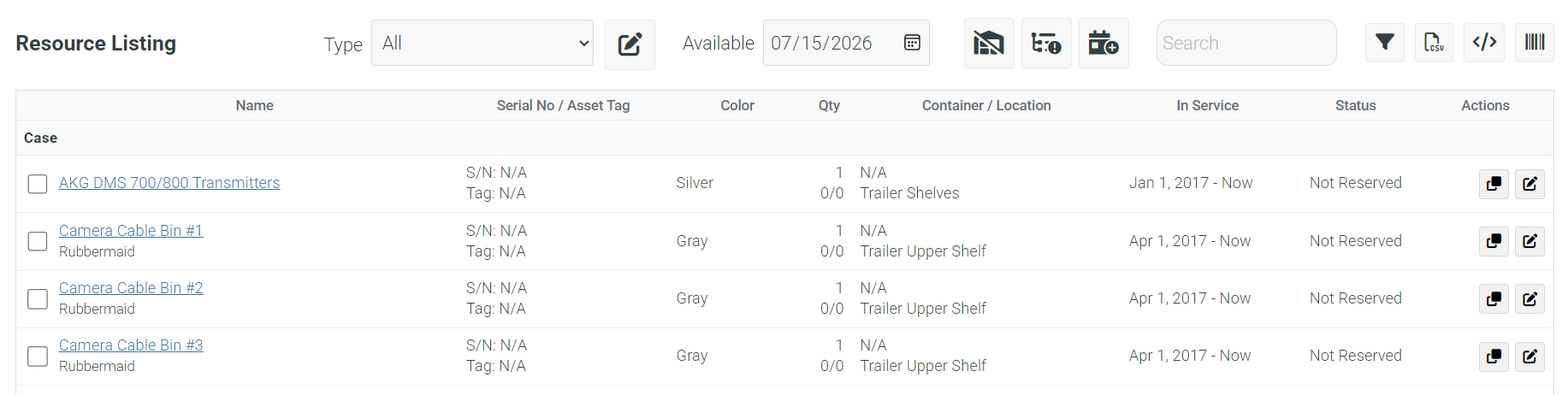
Assign equipment to events, build checklists, track ownership, serial numbers, maintenance, and resource costs.
Keep people informed
Send targeted offers, call sheets, reminders, event updates, weekly summaries, and crew communication through one system.
Start before the event exists
Send client-accessible planning worksheets that do not require a CrewAxis login, then turn those answers and preferences into the initial event plan.
Run the whole operation
Use notes, advanced resource tracking, custom branding, CRM, reporting, timeclock, travel, and administrative controls.
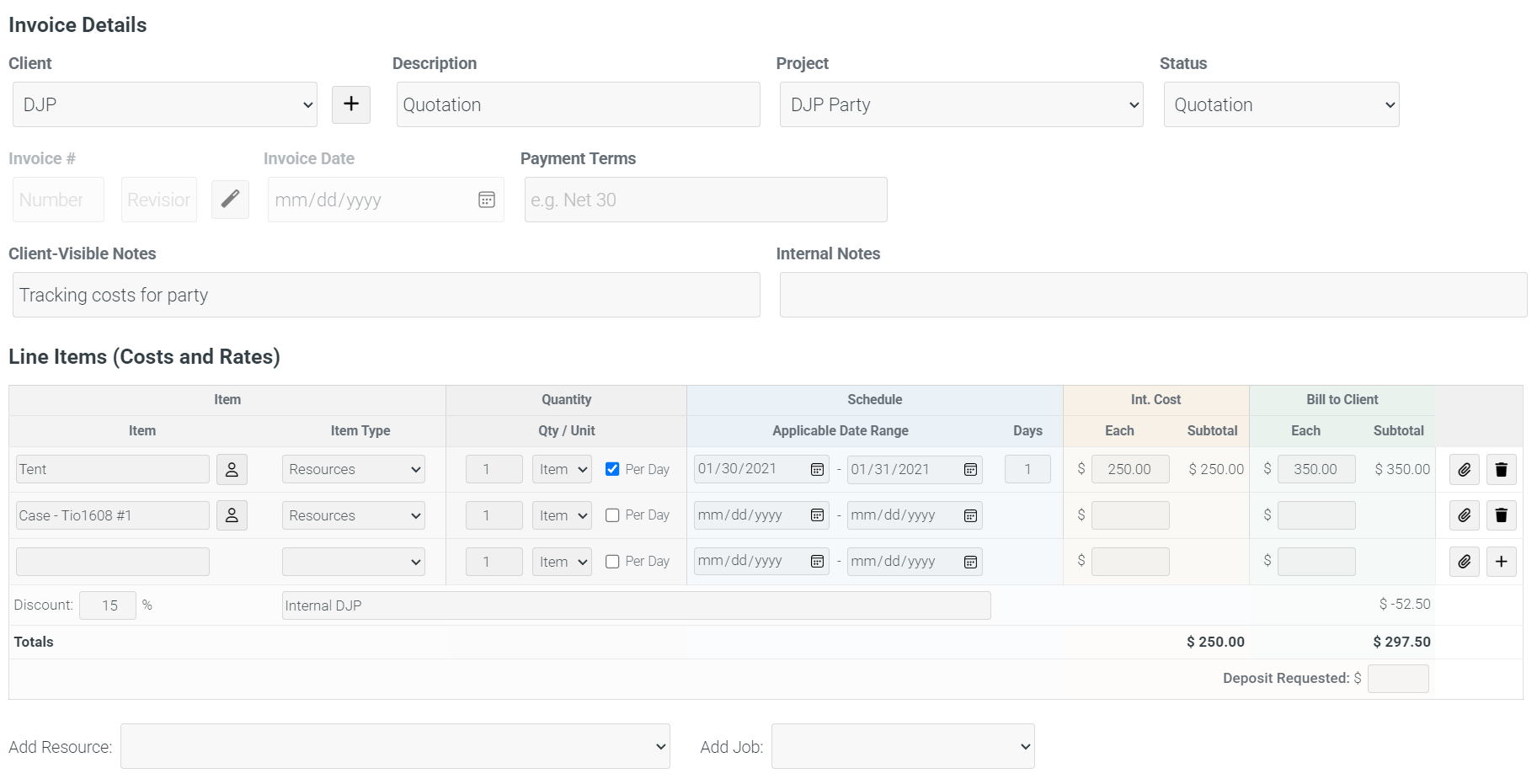
The workflow your team repeats on every job.
Staffing is often where the stress starts, but it rarely stays there. CrewAxis connects the pieces that usually live in separate tabs, inboxes, group texts, spreadsheets, and people's memory.
Collect requirements
Use shareable event worksheets to gather the details you need from a client or organizer before the event is fully built.
Build and staff
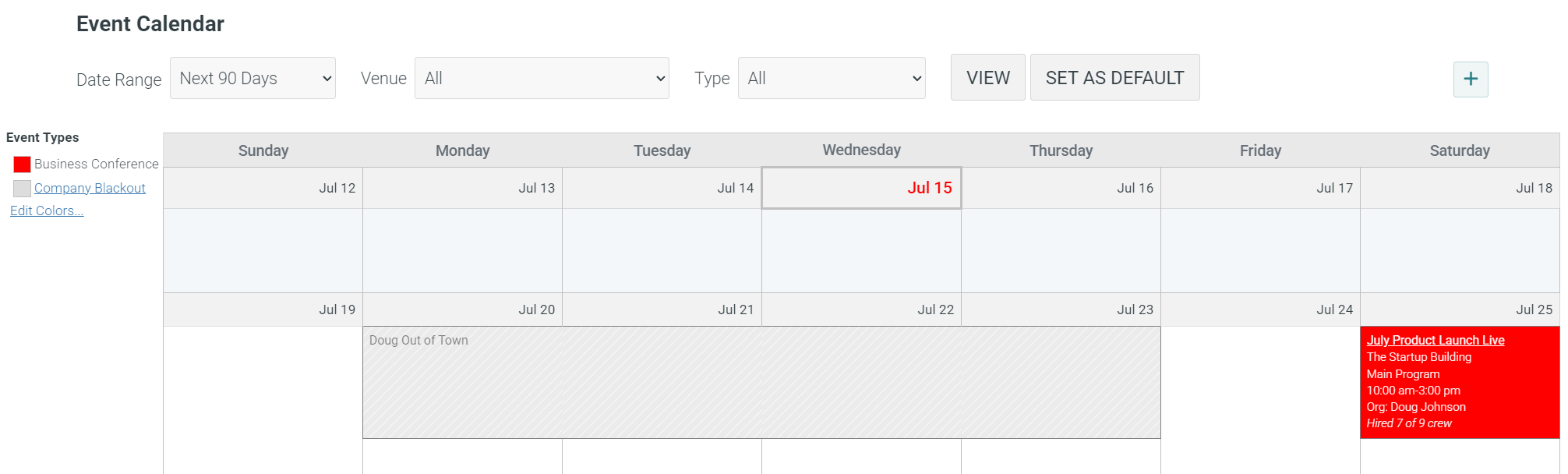
Create the event from worksheet details, apply staffing templates, review Auto Staff recommendations, notify eligible crew, collect responses, and hire the right people faster.
Run the production
Send call sheets, assign resources, manage Run-of-Show timing, share Prompter views, track travel, and keep the team informed.
Remember and improve
Remind contractors to invoice, send crew surveys, save notes about crew, clients, venues, and the event, pull costs into reports, and carry the lessons into future planning.
Not a generic scheduler. A production operations memory.
Many tools can be forced into a production workflow, but they usually handle one or two pieces of the job. CrewAxis starts with the staffing problem production companies feel most often, then follows the shape of the whole production: collect requirements, build the event, staff the crew, reserve the gear, communicate the plan, capture costs, preserve useful notes, gather feedback, and keep the client relationship moving.
- Client planning worksheets, staffing templates, daily schedules, Run-of-Show, Prompter scripts, call sheets, and simpler free-plan Run Sheets
- Auto Staff recommendations, crew opportunities, negotiated or yes/no responses, hiring decisions, availability, and GPS-stamped timeclock
- Equipment assignments, checklists, rentals, checkouts, archive tracking, QR/barcode tracking, and depreciation
- Notes, ratings, reminders, quotes, client invoices, contractor invoices, labor costs, rentals, travel, cost reports, crew surveys, and event profit/loss
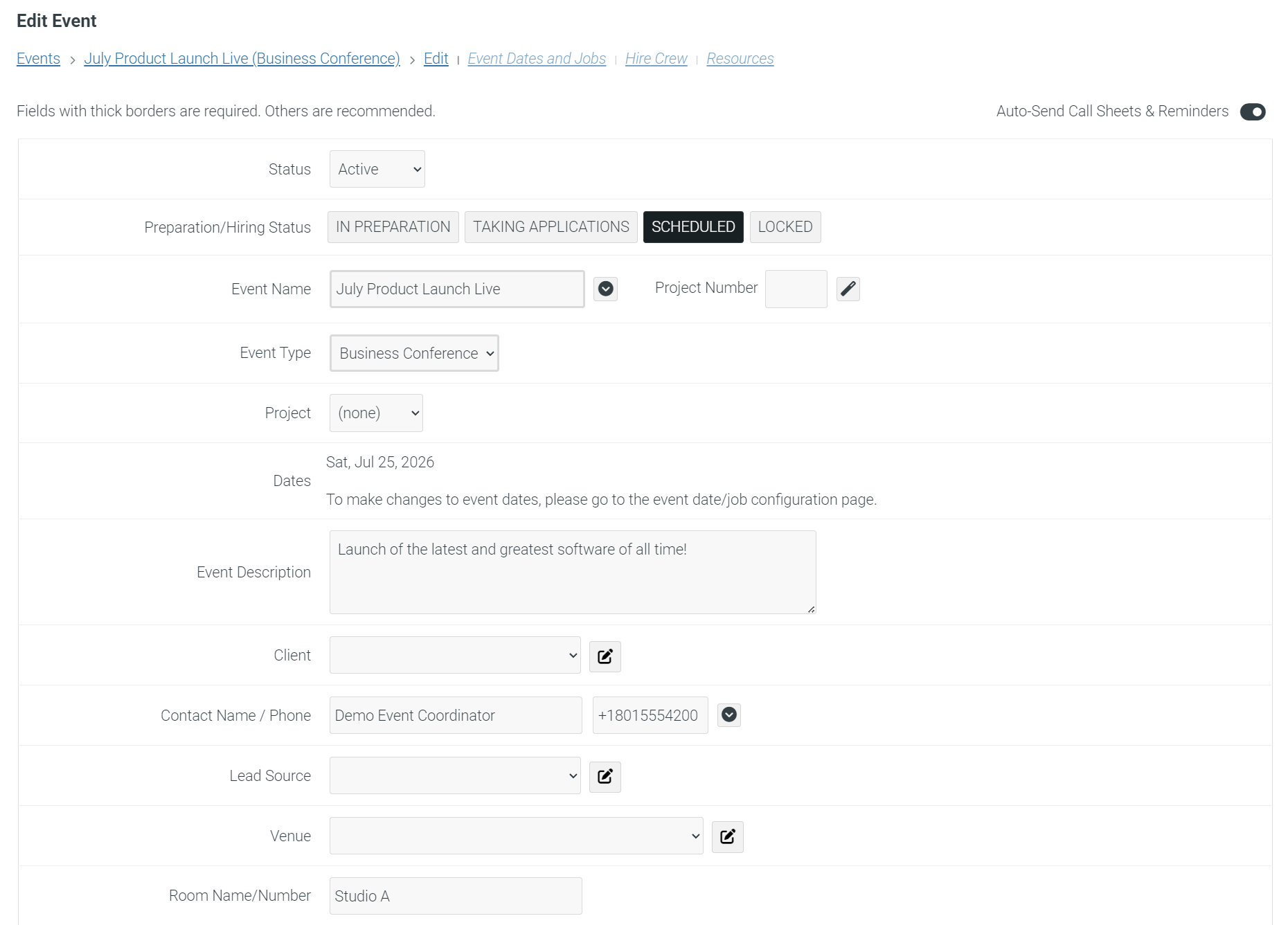
See the workflow in action.
The walkthrough shows how the major pieces fit together for a working production company, from event setup and crew offers to staffing decisions, call sheets, notes, and follow-up.
Run the whole production loop.
If staffing the next show means juggling client intake, availability, messages, gear, call sheets, notes, invoices, crew feedback, and final job costs, CrewAxis was built for your kind of work.